Mounting a TV looks simple until you are holding a 65-inch panel against a wall trying to work out what is behind the plaster. The bracket is rarely the hard part. The wall is.
This covers how to choose a position, what different wall types demand, how the cables get hidden, and where the line sits between a job worth doing yourself and one worth paying for.
Height first, because most people get it wrong
The single most common mistake is mounting too high. People picture the TV above the mantelpiece and it looks right in their head, then they spend the next five years tilting their neck back.
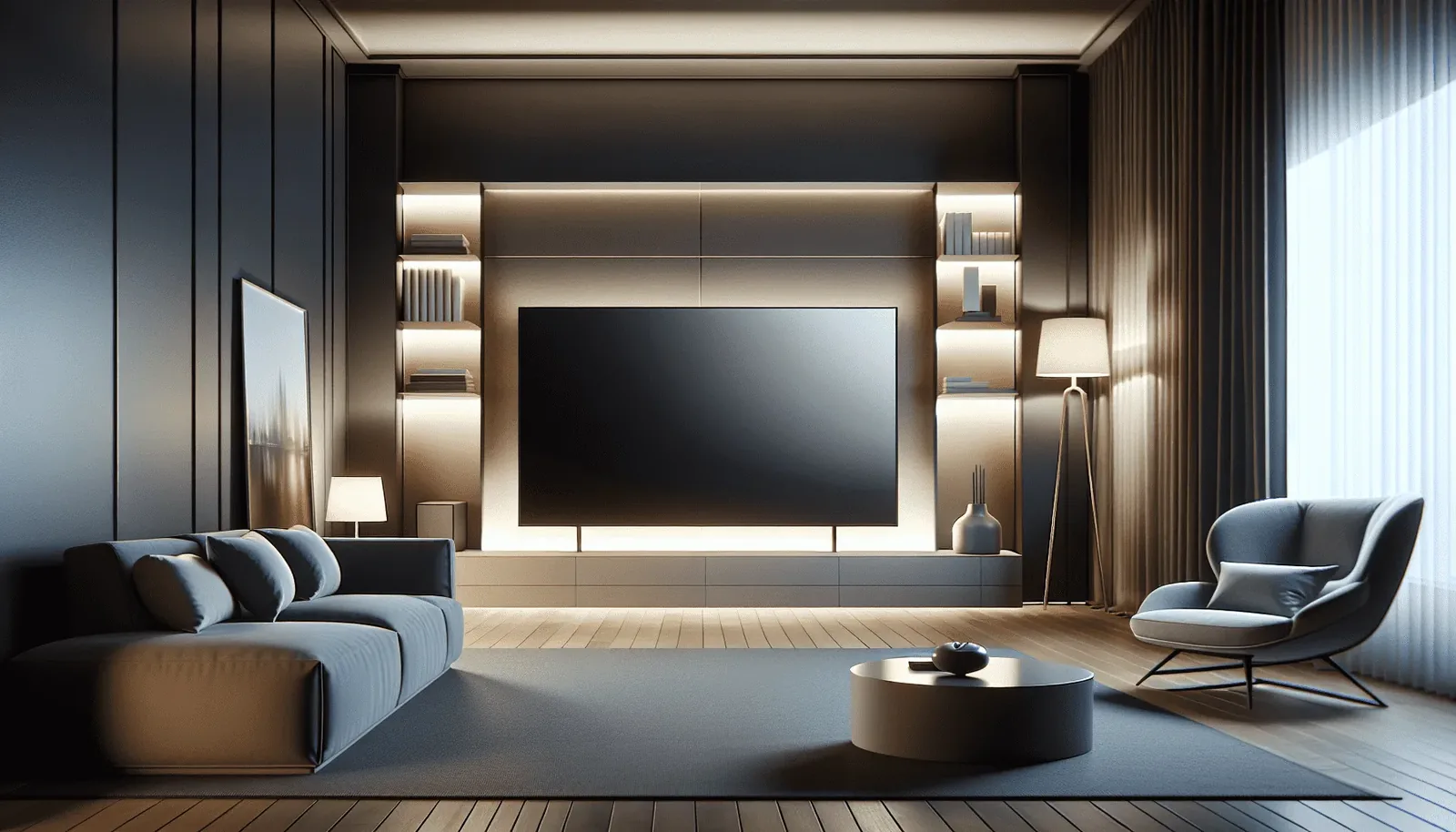
The centre of the screen wants to sit near eye level from where you actually sit. On a standard sofa that puts the centre roughly 100 to 110cm from the floor, which is lower than most people expect and considerably lower than above a fireplace. If you have ever come out of a cinema with a sore neck from sitting in the front row, that is the same problem.
Above a fireplace is sometimes the only option the room allows. If so, a tilting bracket helps, and it is worth checking how much heat the fireplace actually throws, which we cover in mounting a TV above a fireplace. A working wood fire and a modern sealed unit are very different propositions for the electronics sitting above them.
Before committing, hold the position. Sit where you normally sit and have someone hold a piece of cardboard cut to the screen size at the height you are considering. Two minutes of that saves a lot of regret. Our guide to what height a TV should be mounted at works through the measurements, including what changes in a bedroom or above a fireplace.
What is behind the plaster
Stud-framed walls
Most Australian homes built from the 1970s onward, and nearly everything in the newer growth-corridor suburbs, use timber studs behind plasterboard. Studs are typically at 450mm or 600mm centres.
The bracket must be fixed into the studs. Plasterboard anchors alone will not reliably hold a large modern panel, and the failure mode is the TV coming off the wall, usually not immediately, which is what makes it dangerous. Where the studs do not line up with where the TV needs to go, the answer is a timber or steel backing plate spanning multiple studs, not more anchors.
Solid brick and masonry
Common in older Melbourne housing. Solid brick holds well with the right masonry fixings, and the main considerations are drilling into the brick rather than the mortar joint where possible, and dust management inside a furnished room.
Brick veneer
The one that catches people out. From inside it looks like a plasterboard wall, and it is. The brick is the external skin with a cavity behind the internal lining. You cannot fix to the brick from inside without bridging the cavity, so it is treated as a stud wall.
Plaster on lath
In genuinely old housing, the internal lining may be plaster over timber lath rather than plasterboard. It is brittle, it cracks if you rush it, and the fixing strategy is different again.

The services you cannot see
Behind the lining there may be electrical cabling, water pipes, gas lines or air conditioning ducting. A stud finder with a live-wire detector reduces the risk but does not eliminate it, particularly in a house that has been renovated more than once.
Reasonable precautions: know where power points and switches sit on both faces of the wall, since cabling usually runs vertically to them; be cautious anywhere near a wet area; and treat any wall shared with a bathroom or kitchen as suspect. In a house built before the late 1980s, be alert to the possibility of asbestos in wall sheeting. If you suspect it, stop and get it assessed rather than drilling.
Choosing a bracket
Brackets come in three broad types (fixed, tilting and full-motion), and the right one is decided by the room and the wall rather than the budget. Most homes want a fixed bracket; a tilt earns its place when the TV has to sit high, and full-motion only when you genuinely watch from more than one spot. We compare all three in detail in fixed vs tilt vs full-motion TV wall mounts.
Whichever you choose, check the VESA pattern on the back of your TV, the hole spacing in millimetres, and the bracket's weight rating against the actual weight of your panel, not the maximum screen size quoted. A 75-inch OLED and a 75-inch LCD can differ substantially in weight, and they do not sit off the wall the same way either: we compare OLED, QLED and Mini-LED for mounting separately.
Cables, which is the part people actually care about
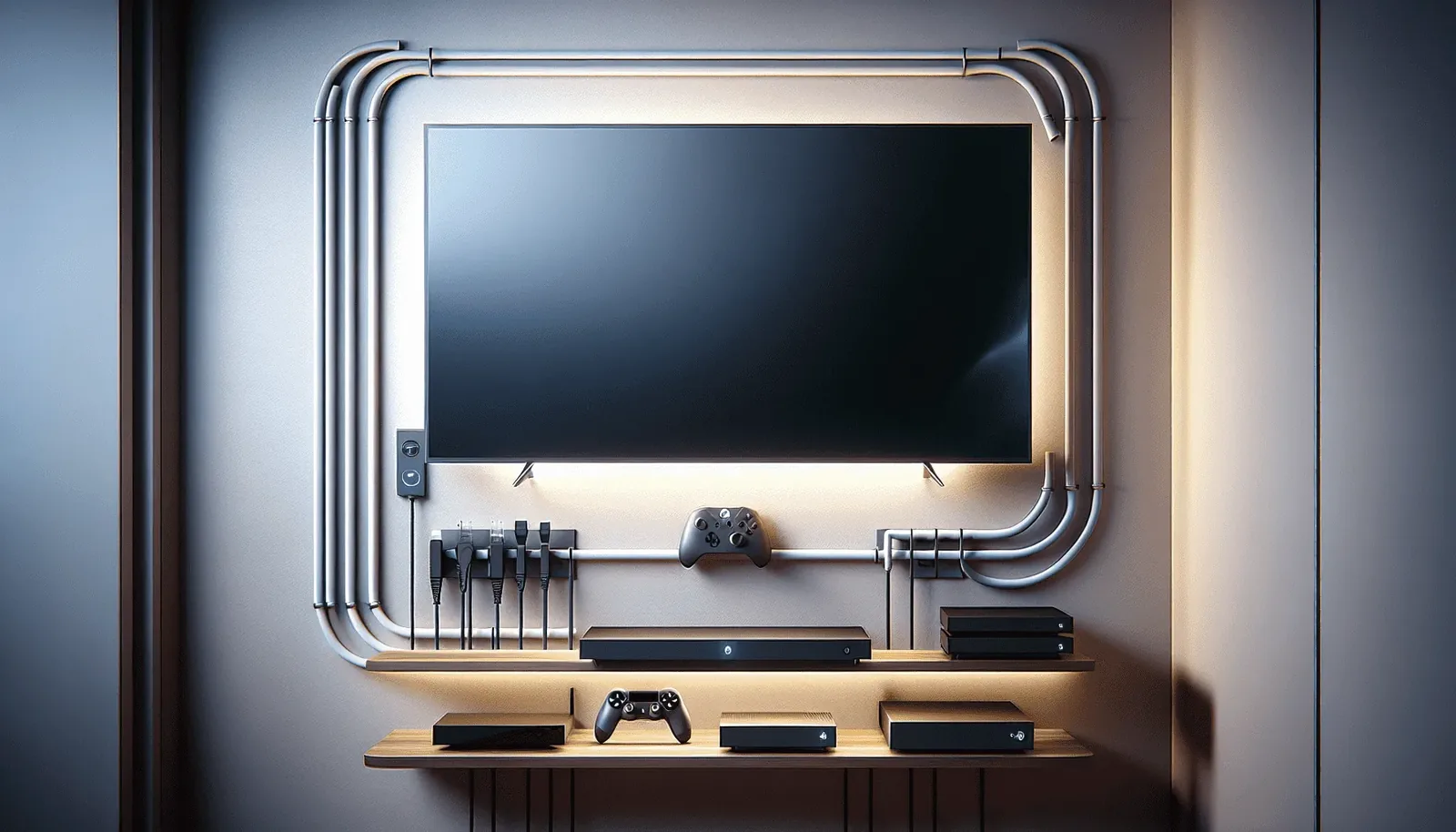
A wall-mounted TV with a bundle of cables hanging beneath it defeats the purpose. There are three approaches.
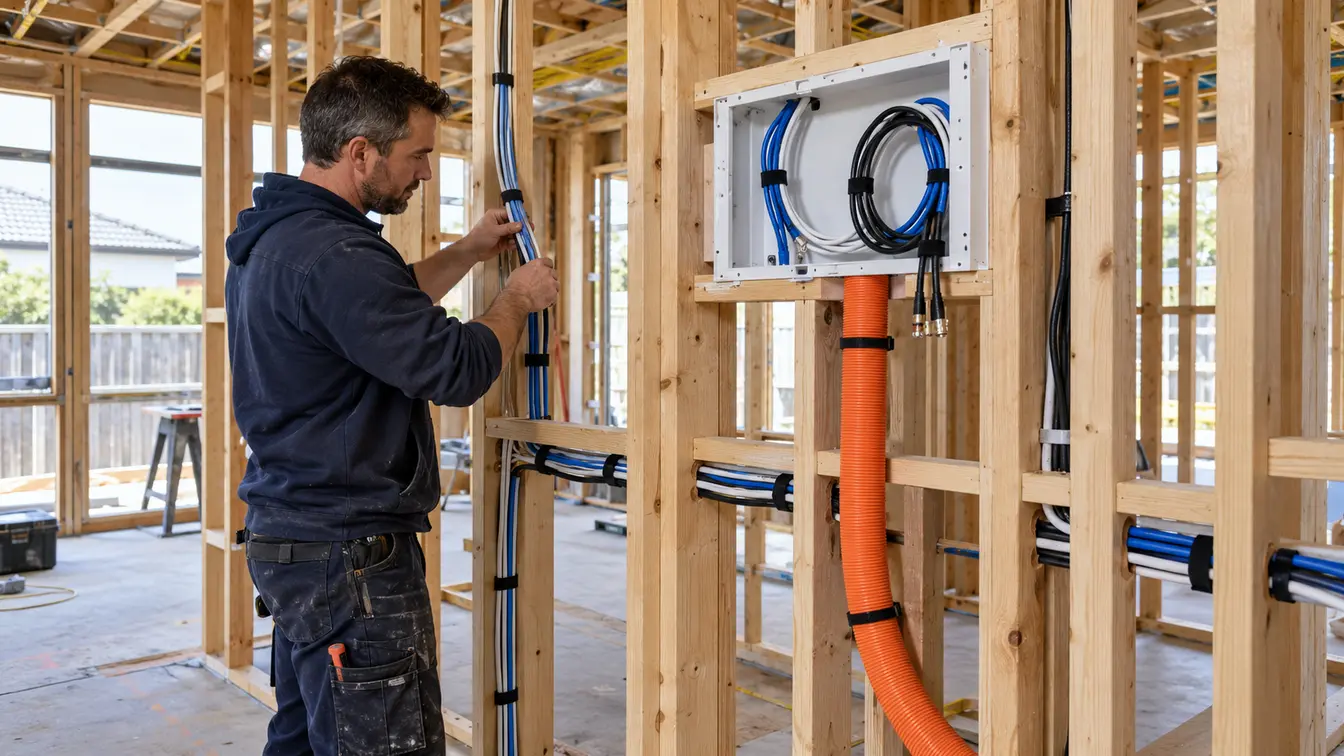
In-wall. On a stud wall, power and HDMI can run inside the cavity between the TV position and the cabinet below. This is the tidiest result. Power needs to be done to standard. Running a normal power lead inside a wall is not compliant, and the correct solution is a recessed outlet behind the TV.
Surface conduit. On a solid wall where chasing is impractical, a slim conduit painted to match makes the run close to invisible from normal viewing distance.
Chasing. Cutting a channel into masonry and making good. The best result on a brick wall, and the most disruptive. It means dust, patching and paint.
Worth planning what else connects before the wall closes up. Adding an extra HDMI later is easy while the wall is open and irritating once it is not.
Soundbars and speakers

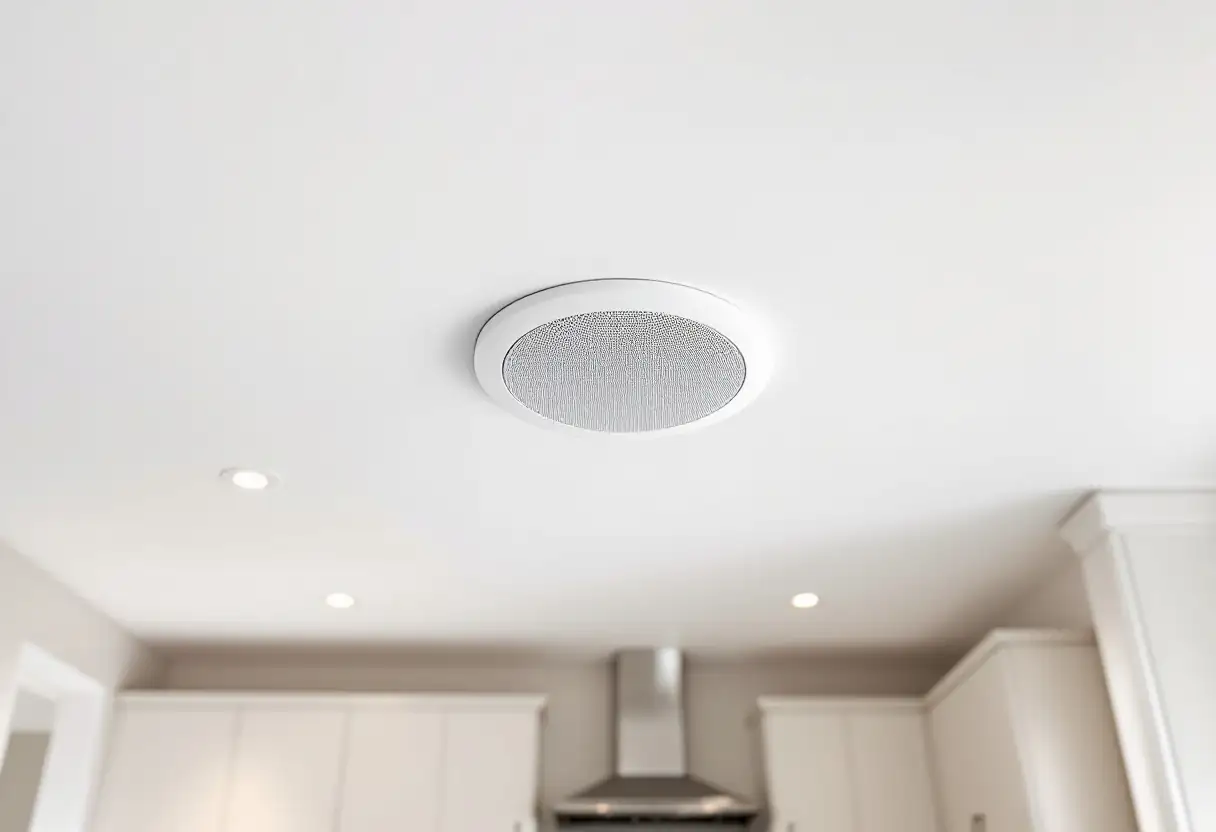
Flat panels have almost no room for speakers, which is why even an expensive TV often sounds thin. A soundbar is the usual fix, and mounting it directly below the screen at a consistent gap looks deliberate rather than added on.
If you are running a soundbar, check whether your TV supports eARC on its HDMI port. It matters for passing higher-quality audio formats through a single cable, and it is easier to plan for before the cabling goes in the wall than to retrofit.
Doing it yourself, or not
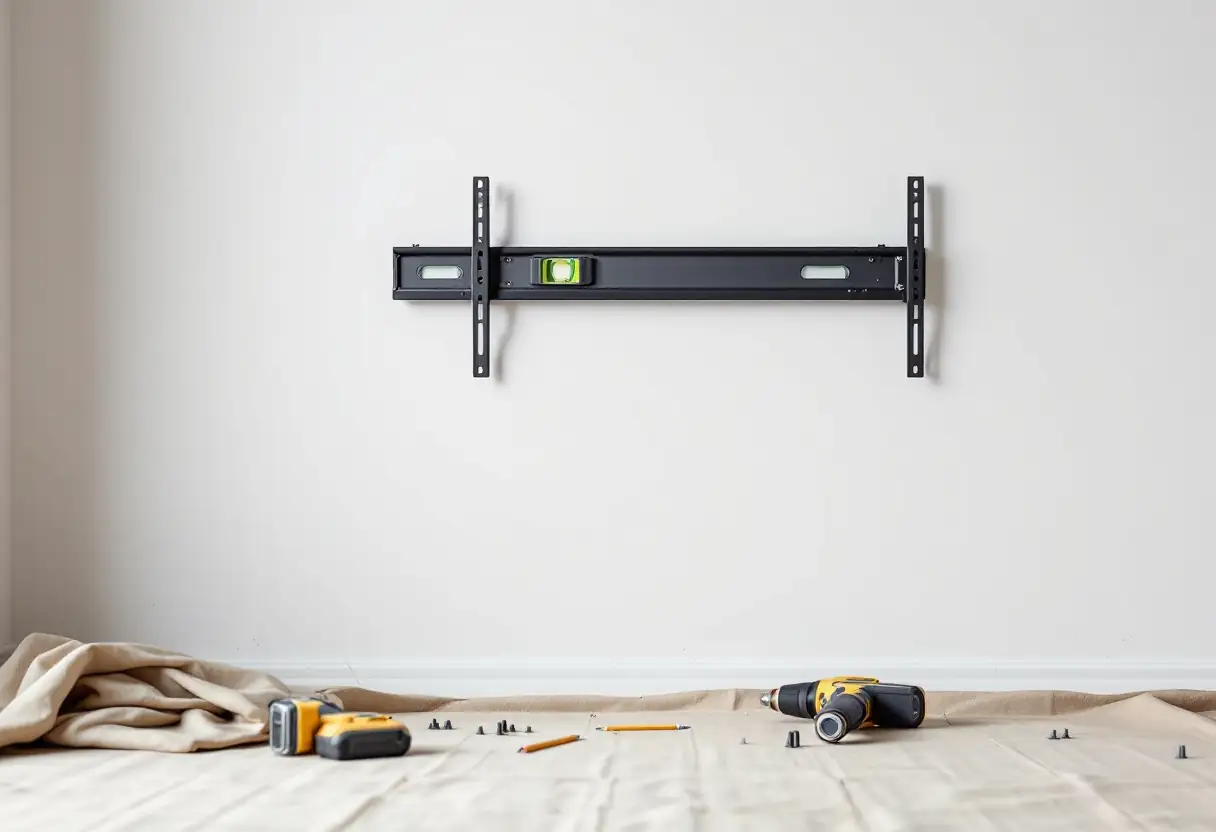
A modest TV on a solid stud wall, with a fixed bracket and cables running to a cabinet directly below, is a reasonable weekend job for someone comfortable with tools. Two people, a stud finder, a level, and time to do it slowly.
It is worth getting help when the panel is large enough that it takes two people just to lift, when the wall is brick veneer or plaster on lath, when cables need to go inside the wall (particularly power, which has compliance implications), when the wall has services in it you cannot map confidently, or when the mount is full-motion and the loads are higher.
The honest calculation is that the bracket costs a fraction of the TV. A failed mount takes the TV with it, and sometimes the wall.
Looking after it

Very little maintenance is required, but a few things help. Check the bracket bolts once a year, particularly on a full-motion arm that gets moved. Keep the ventilation gaps clear. TVs in recessed cavities run hotter than the manufacturer intended. Clean the screen with a dry microfibre cloth rather than anything wet or solvent-based.
If you are in a rental, get the mount agreed in writing before drilling, and keep the original stand.
Frequently asked questions
Can any wall take a wall-mounted TV?
Almost any, but the method changes completely with the wall. Stud, solid brick, brick veneer and plaster on lath each need a different fixing, and getting that wrong is how TVs end up on the floor. Checking what is actually behind the plaster before drilling is the whole job.
How high should the TV go?
Lower than most people expect. Aim to have the centre of the screen near eye level from your usual seat, which is typically 100 to 110cm from the floor rather than above a mantelpiece.
Can the cables be hidden completely?
On a stud wall, almost always. Power and HDMI run inside the cavity. On a solid wall it depends on whether chasing is practical, and a painted conduit is the alternative. Either way it should be discussed before the job starts, not discovered afterwards. Our guide to hiding TV cables when wall mounting goes through each option.
Will mounting the TV damage the wall?
It leaves fixing holes, which are straightforward to patch if the TV is ever removed. Any additional making good depends on whether cables were chased into masonry.
What size bracket do I need?
Match the VESA hole pattern on the back of the TV, which we show you how to measure, and check the bracket's weight rating against the actual weight of your panel. Screen size alone is not a reliable guide, since panels of the same size vary in weight.
Can you mount a TV outdoors?
Yes, though it needs an outdoor-rated screen or an enclosure, weatherproofed cabling, and thought about direct sun. An ordinary indoor TV in an alfresco area will not last. Our guide to installing a TV outdoors in Melbourne goes through the three ways to do it.
We mount TVs across Melbourne and the Mornington Peninsula with cables concealed as standard. Quotes are free and onsite, because the right answer depends on the wall. More on TV wall mounting, or read whether to mount it yourself or pay someone. If you are comparing installers, how to choose a TV wall mounting service covers what a quote should itemise. If the site is a business rather than a home, commercial wall mounting works differently again.