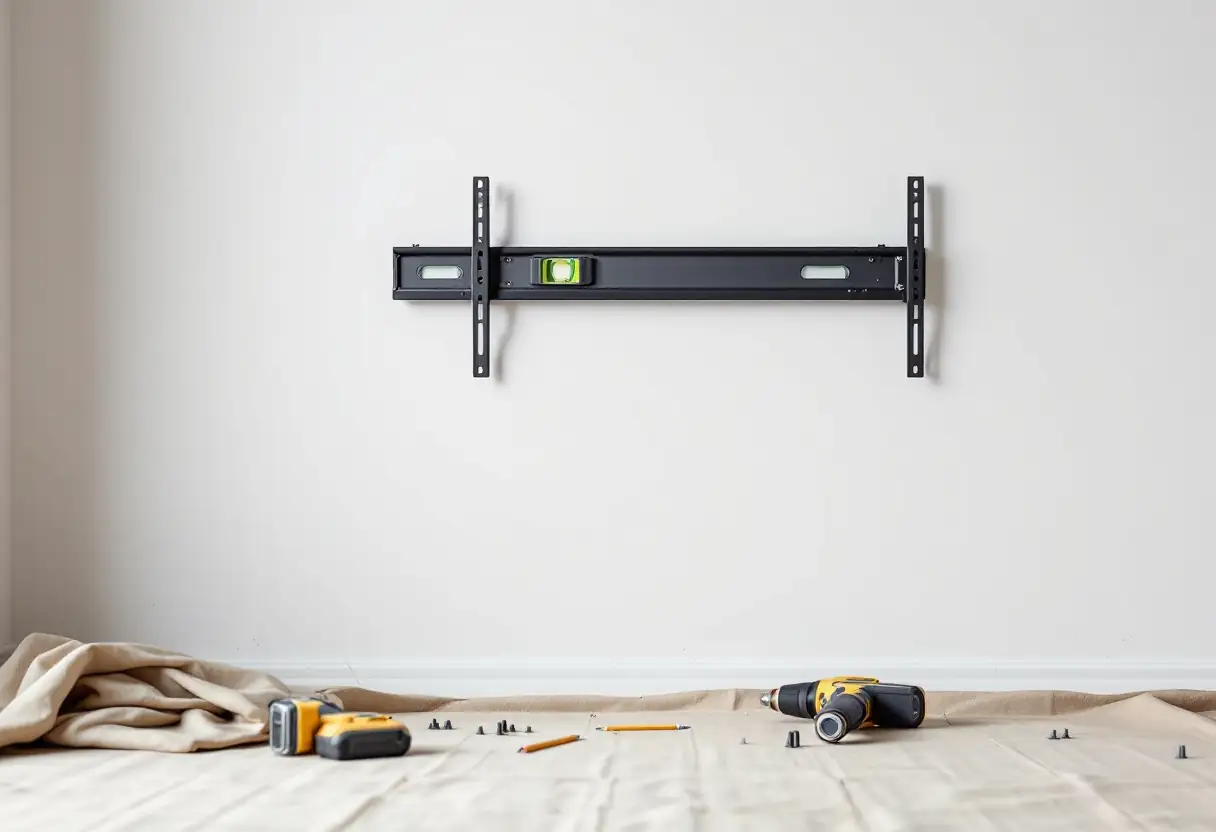
VESA is the hole pattern on the back of your television. Four threaded holes in a rectangle, measured in millimetres, and the bracket has to match them.
That is genuinely all it is. The reason it causes trouble is that people treat it as a compatibility badge rather than a measurement, and a bracket sold as "VESA compatible" can still be the wrong bracket for your panel.
The short answer
- VESA is the spacing of the four mounting holes, written across by down, in millimetres.
- Measure it yourself. It takes a minute and it is the only reliable way to know.
- The screw size and length matter as much as the pattern, and the length is the one that damages televisions.
- A matching pattern means the bracket bolts on. It says nothing about whether anything can hold it.
What the standard actually is
The Video Electronics Standards Association publishes the Flat Display Mounting Interface, which is why every television and every bracket on the market share a handful of common hole patterns instead of each manufacturer inventing its own. It is a genuinely good piece of standardisation and it is the reason you can buy a bracket without knowing the brand of the screen.
What it is not is a rating. The same interface part covers screens from 31 inches to 90 inches and loads up to 113.6kg, so knowing a bracket and a panel share a pattern tells you they bolt together and nothing else at all.
Measuring yours
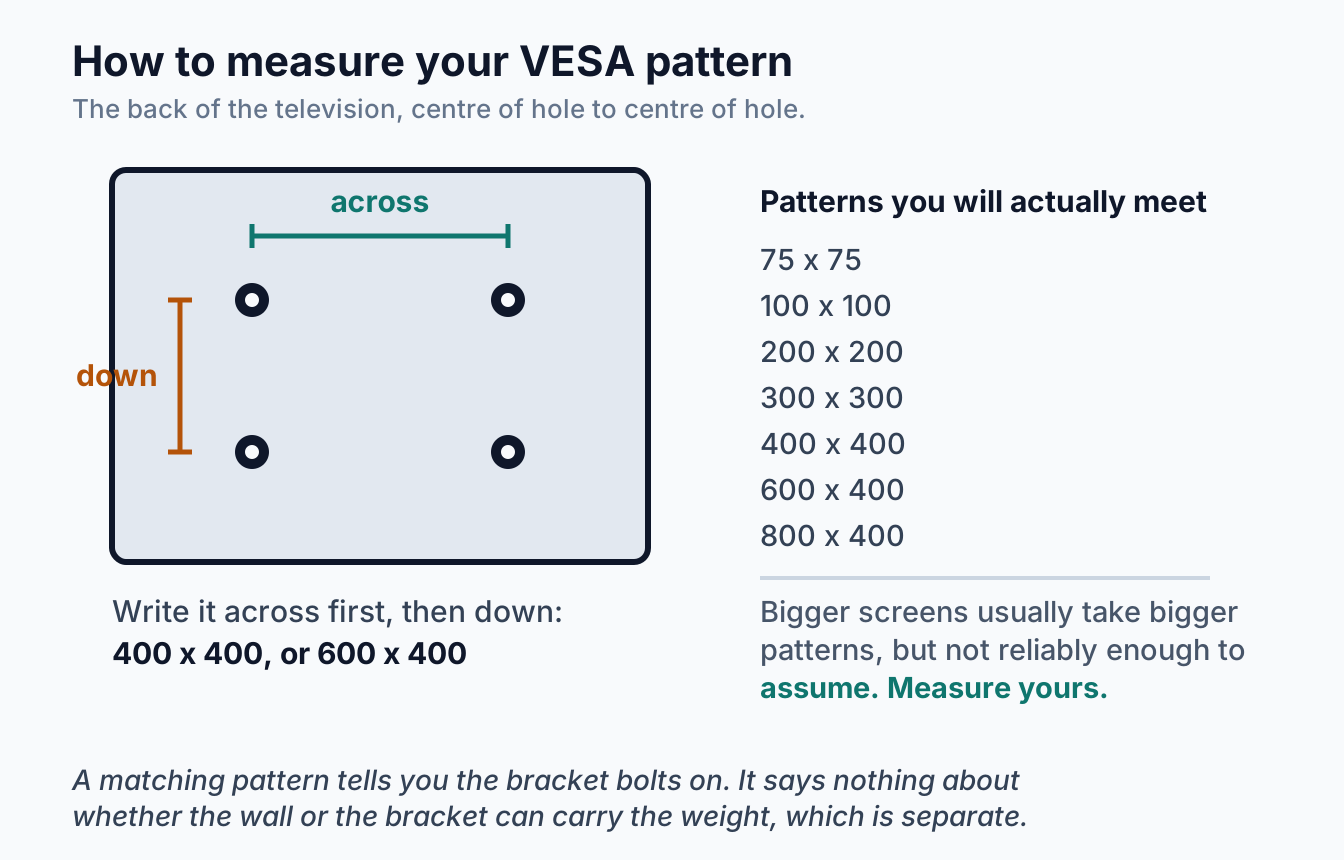
Lay the television face down on something soft, or reach behind it if it is already on a stand. Then two measurements, both from the centre of one hole to the centre of the next:
Across. The horizontal distance between the two top holes.
Down. The vertical distance between the two holes on one side.
Write it across first, then down. A screen measuring 400mm horizontally and 400mm vertically is 400 x 400. One measuring 600mm across and 400mm down is 600 x 400, and the order matters because those are different patterns.
You will land on one of a small set: 75 x 75 and 100 x 100 on monitors and small screens, then 200 x 200, 300 x 300, 400 x 400, 600 x 400 and 800 x 400 as panels get larger. Bigger screens generally take bigger patterns, but not reliably enough to buy on. Measure rather than assume.
Your manual has the figure too, and so does the manufacturer's specification page. The tape measure is faster than finding either.
The screws, which cause more damage than the pattern does
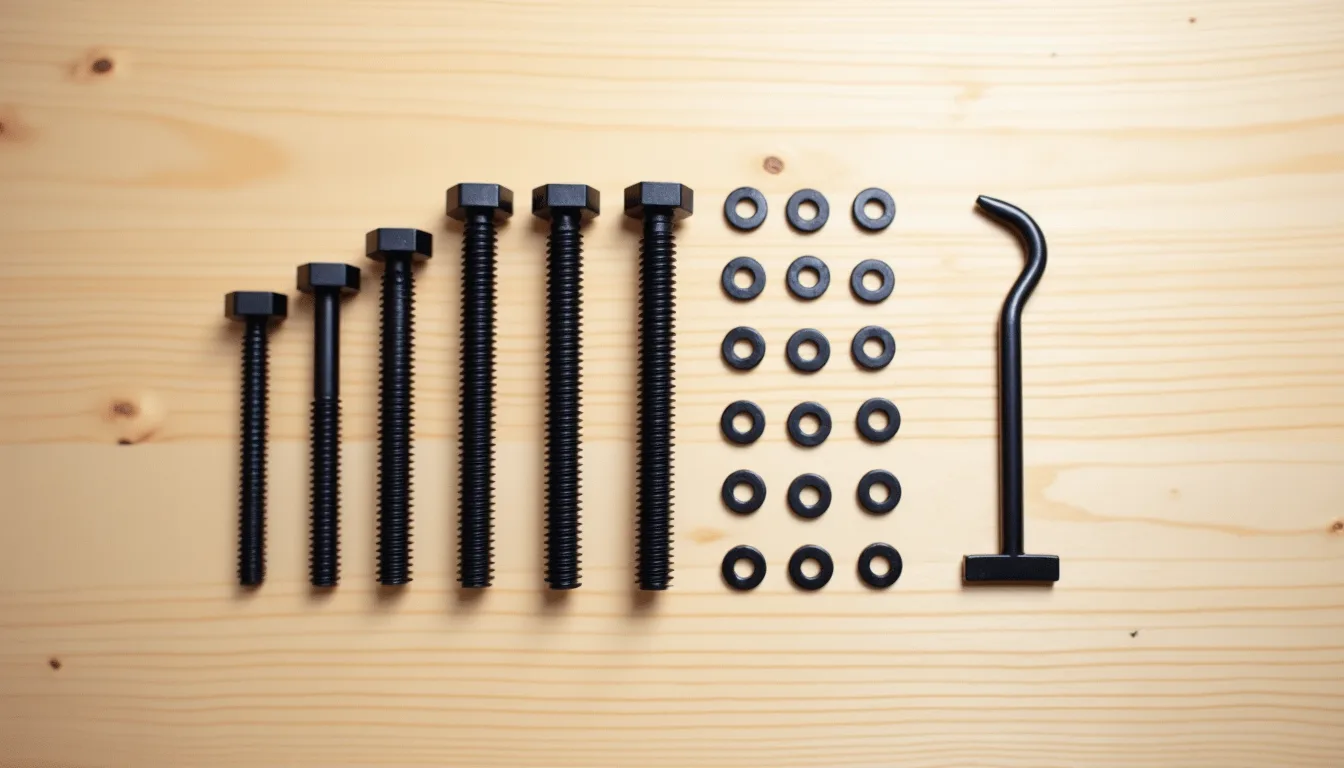
Getting the pattern right and the screws wrong is the most common way this goes badly, and unlike the pattern it is not obvious you have made a mistake until something is broken.
Diameter. Small screens and monitors generally take M4. Larger televisions move up to M6 and then M8. Your manual states the size, and the bracket usually ships with an assortment so you can match it.
Length is the dangerous one. The threaded holes on the back of a television are not bottomless. They go into a boss with a finite depth and there is a panel behind it. A screw that is too long bottoms out, and if you keep turning you are pushing against the back of the display. Televisions are killed this way every year, and the damage is not covered by anything.
The safe method is to use the screws the bracket supplied, matched to the size the manual specifies, and to stop the moment the screw goes firm. If you are using your own screws, thread one in by hand without the bracket first and see how deep the hole actually is.
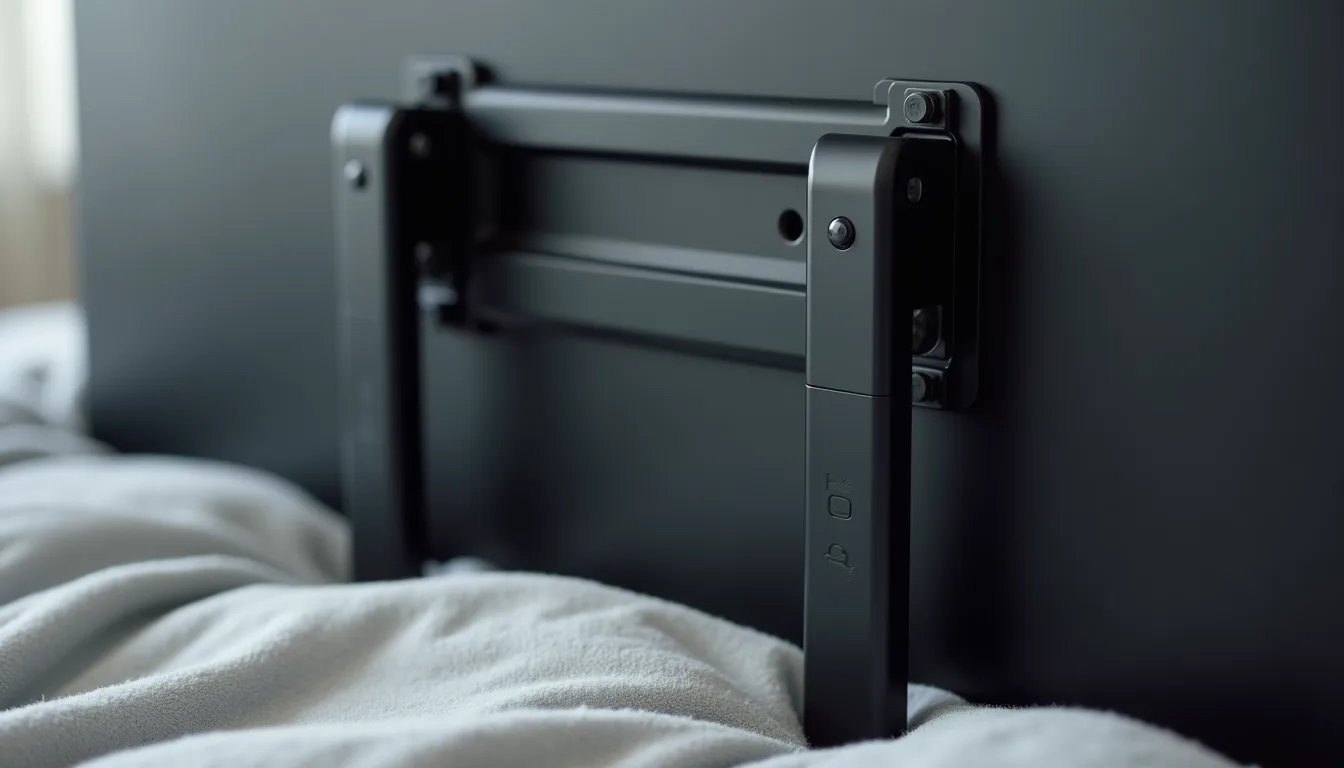
Spacers exist for a reason. Many televisions do not have a flat back. The mounting holes may be recessed in wells, or the surface around them may curve, and bolting an arm straight on would either not reach or would flex the panel. Brackets supply cylindrical spacers to bridge that gap, and skipping them because the bolt reaches without them is a mistake.
When the pattern does not match
It happens, usually with very large panels or older televisions, and there are two honest answers.
An adapter plate. A steel plate that bolts to the television's pattern on one side and the bracket's on the other. They are a normal, sound solution when the plate is a proper one rated for the load. They also add depth, so the screen sits slightly further off the wall than it otherwise would.
A different bracket. Usually cheaper and always simpler. Most brackets cover a range of patterns rather than a single one, so a bracket that lists your measurement in its range is a better answer than adapting one that does not.
What to avoid is drilling new holes in the back of a television, or using only two of the four points because the others do not line up. Both come up as ideas and neither is one.
What the pattern does not tell you
This is where the word "compatible" does real damage, because three separate things all have to be right and only one of them is the pattern.
The weight. A bracket has a load rating and your television has an actual mass, and screen size is a poor guide to either. Check the two figures against each other, and see what a load rating actually covers before trusting the headroom.
The wall. Entirely separate from the bracket. A plasterboard wall needs the fixings to reach the framing, as we go through in mounting on plasterboard, and masonry needs its own anchors, which we cover in brick, concrete and rendered walls.
The type of movement. Fixed, tilt and full-motion brackets all use the same patterns and behave very differently once loaded. Our comparison of fixed, tilt and full-motion mounts covers which suits which room.
Frequently asked questions
How do I find my TV's VESA size?
Measure between the centres of the mounting holes on the back, horizontally and then vertically, in millimetres. Write it across by down. It is also in the manual and on the manufacturer's specification page, but measuring is quicker and removes any doubt about which model you actually have.
Does a bigger TV always mean a bigger VESA pattern?
Usually but not dependably. Two televisions of the same screen size from different brands can use different patterns, and a slim panel and a heavier one of identical size often differ. It is a rule of thumb, not something to buy a bracket on.
What screws do I need?
The size your manual specifies, commonly M4 on small screens and M6 or M8 on larger ones. Use the ones supplied with the bracket wherever you can, and be careful with length rather than diameter, because a screw that is too long can reach the panel.
My TV has a curved back. Will a bracket still fit?
Yes, using the spacers that come with the bracket. A curved or recessed back is common and the spacers exist precisely to bridge it. What you should not do is tighten an arm down against a curved surface until it sits flat.
Can I use a bracket with a bigger VESA range than my TV?
Yes. Most brackets cover a range of patterns and yours only needs to fall inside it. Adjustable arms slide to suit, which is why one bracket suits many televisions.
The bracket fits, so it is safe, right?
No. Fitting and holding are different questions. The pattern decides whether it bolts on. The bracket's rating, your panel's actual weight and what is inside your wall decide whether it stays there.
VESA is a measurement, not a badge. Take the two numbers off the back of your television, check them against the bracket's stated range, match the screw size from the manual and be careful about length, and the fitment side of the job is settled. Everything after that is about the wall. We mount screens of every size across Melbourne, Bayside and the Mornington Peninsula, and we bring the right hardware rather than hoping the box has it. Have a look at our TV wall mounting page, or book a free onsite quote.