A 98 inch television is not a 65 inch television with a bigger number on the box. Somewhere between those two sizes the job stops being a weekend task with a mate and starts being something you plan.
Nothing about it is difficult. What changes is that the margins disappear. Small problems a 55 inch install would shrug off become the reason the screen is still in its carton on Sunday night.
The short answer
- Measure the doorways, the hallway corner and the stairs before you buy. The carton is the problem, not the screen.
- Two people from about 75 inches. Three from about 85, and genuinely three at 98.
- The bracket has to reach two studs, and at this size that is a backing plate more often than not.
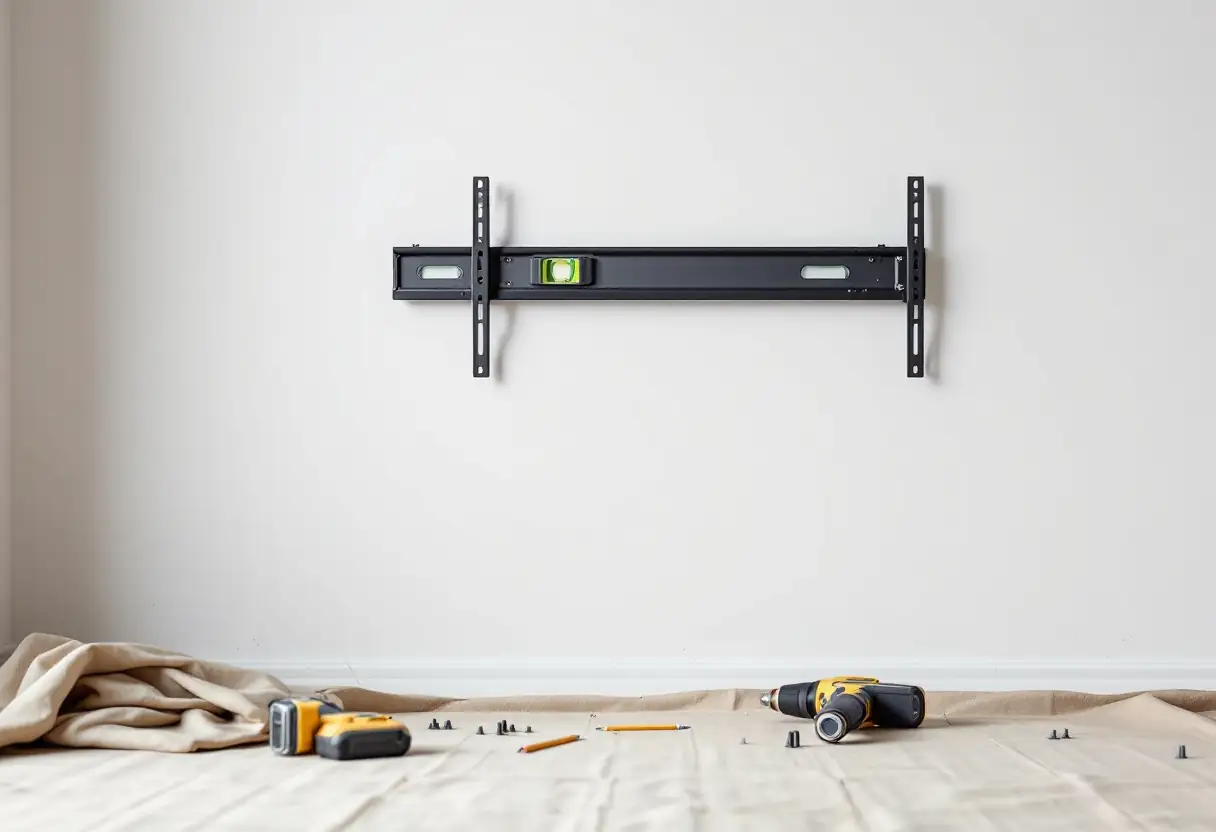
- Put the bracket up before the television arrives, not after.
- Long cable runs are where big installs quietly fail. A passive HDMI lead that works at two metres may not work at eight.
Size in numbers, which is where the surprise is
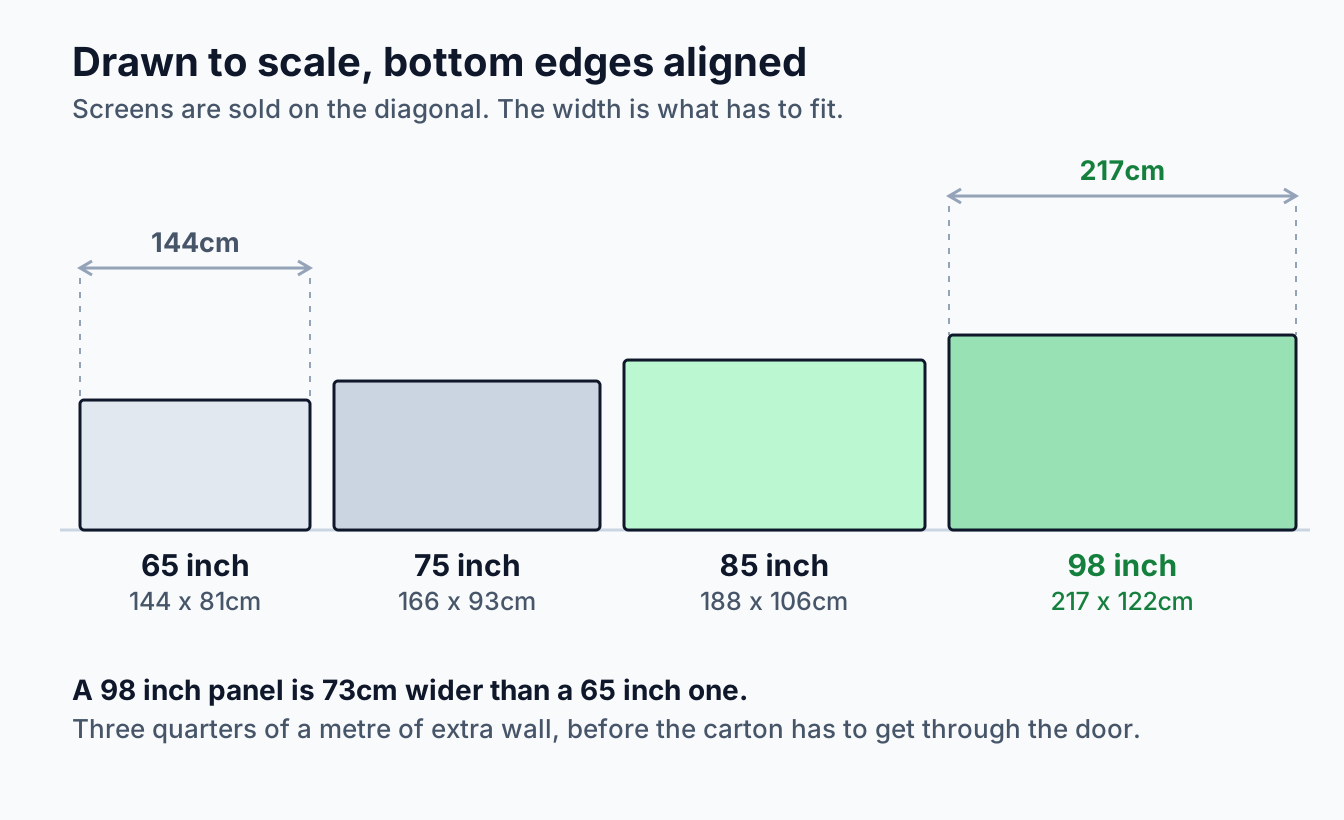
Screen sizes are quoted as a diagonal, which hides the number that matters. The width is what has to fit on your wall and through your door.
A 65 inch panel is roughly 144cm wide. A 98 is about 217cm. That is not a modest step up, it is three quarters of a metre of extra wall, and it is why a size that looked fine on paper collides with a window reveal or an architrave.
Put a tape measure on the wall and mark the actual width before anything else. It is the check that most often changes someone's mind about which size to buy.
Getting it into the room
This is the step people skip, and the one that ruins a Saturday.
The carton is bigger than the television in every direction and it is rigid, so it cannot be flexed around a corner. The measurement that matters is the box, and the route it has to travel.
Walk the route before you buy and check four things: the narrowest doorway, measured as the clear opening rather than the frame; the hallway turn, where a long carton has to pivot; the stairwell, particularly a half landing, which is where cartons genuinely get stuck; and the lift, which in an older apartment building is frequently the binding constraint.
If the box will not make it, that is not the end of the idea. Retailers will often deliver a very large panel unboxed to the room, and some will not deliver it any other way. Ask at the point of sale rather than on delivery day.
Lifting it without damaging it
A large panel is awkward long before it is heavy. It is wide, thin, front-heavy and easy to flex, and flexing is what kills screens. We go through the general judgement in whether to mount a TV yourself. What follows is what changes at size.
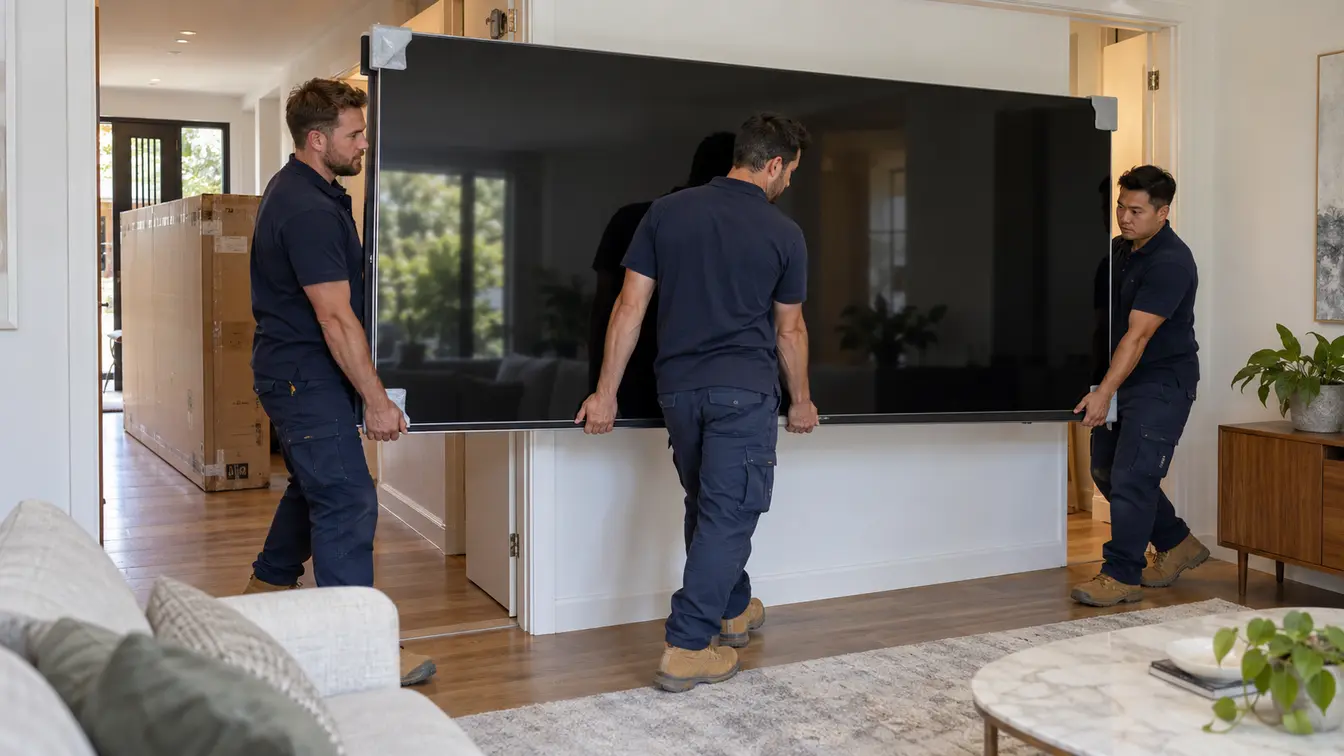
Count the people honestly. Two from about 75 inches, three from 85, three at 98 without argument. The number is not about weight. It is about controlling a two metre wide object at head height while someone lines up a bracket.
Carry it upright, never flat. On its edge the panel is stiff. Held flat it sags under its own weight, and that is where the damage happens. Hold the bottom edge and the frame, not the back of the screen.
Work over the box. If it has to go face down to fit the bracket arms, it goes face down onto the polystyrene end caps or the flat carton, on a soft floor, never onto bare boards or tiles. A single grain of grit under a panel that size is enough.
Keep the packaging until it is on the wall. A screen in its original carton is a return. A screen without one is an argument.
What the wall has to do
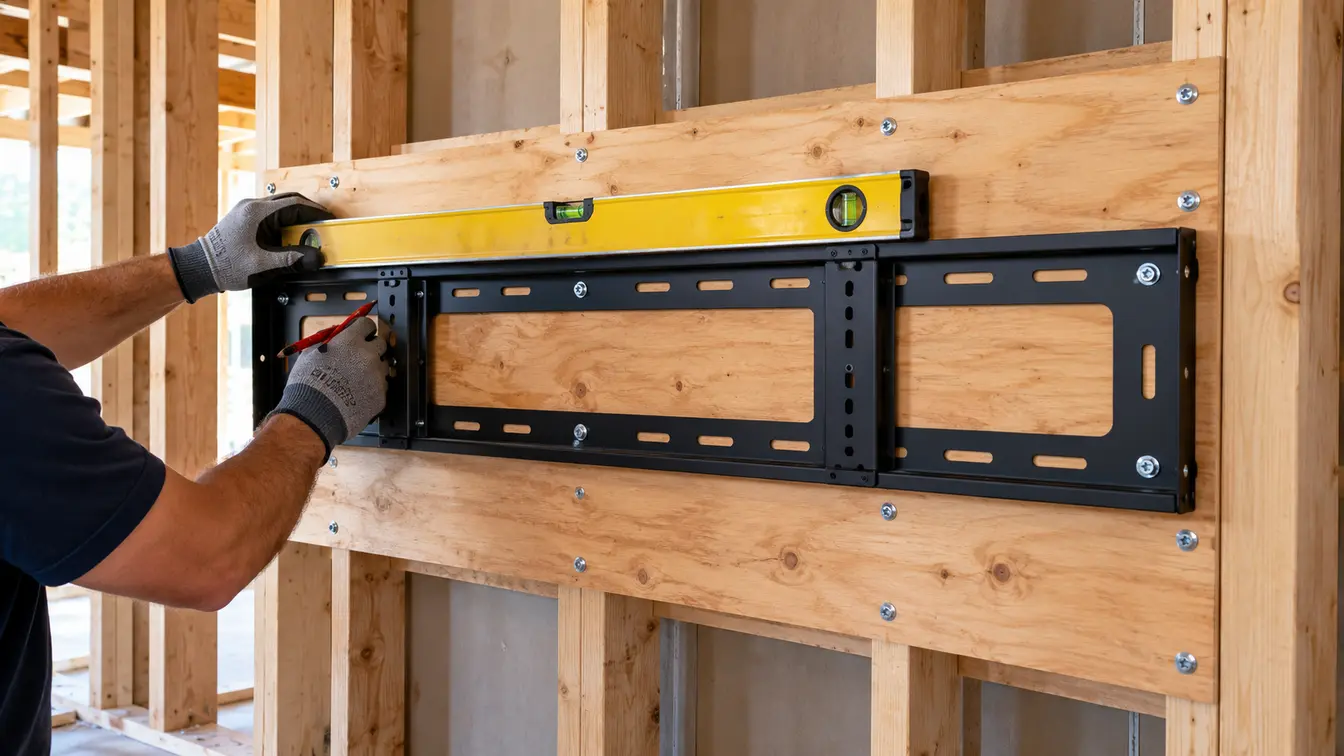
At this size the bracket is no longer the interesting part. The wall is.
The bracket plate has to reach two studs, and on an internal wall framed at 600mm centres it frequently reaches only one. That is the most common problem in a large install, and the answer is a backing plate fixed across three or more studs rather than a longer screw into the same timber. Our guide to mounting on plasterboard works through why, and brick, concrete and rendered walls covers masonry.
Settle the fitment early too. Very large panels often fall outside the common hole patterns and need an adapter plate, and a screw length that suits a 55 inch set can reach the panel on a larger one. Both are in our guide to VESA patterns and bracket fit. Bracket type matters more at size as well, because a full-motion arm multiplies the load every time the screen swings out. We compare them in fixed, tilt and full-motion mounts.
The cables, where big installs quietly fail
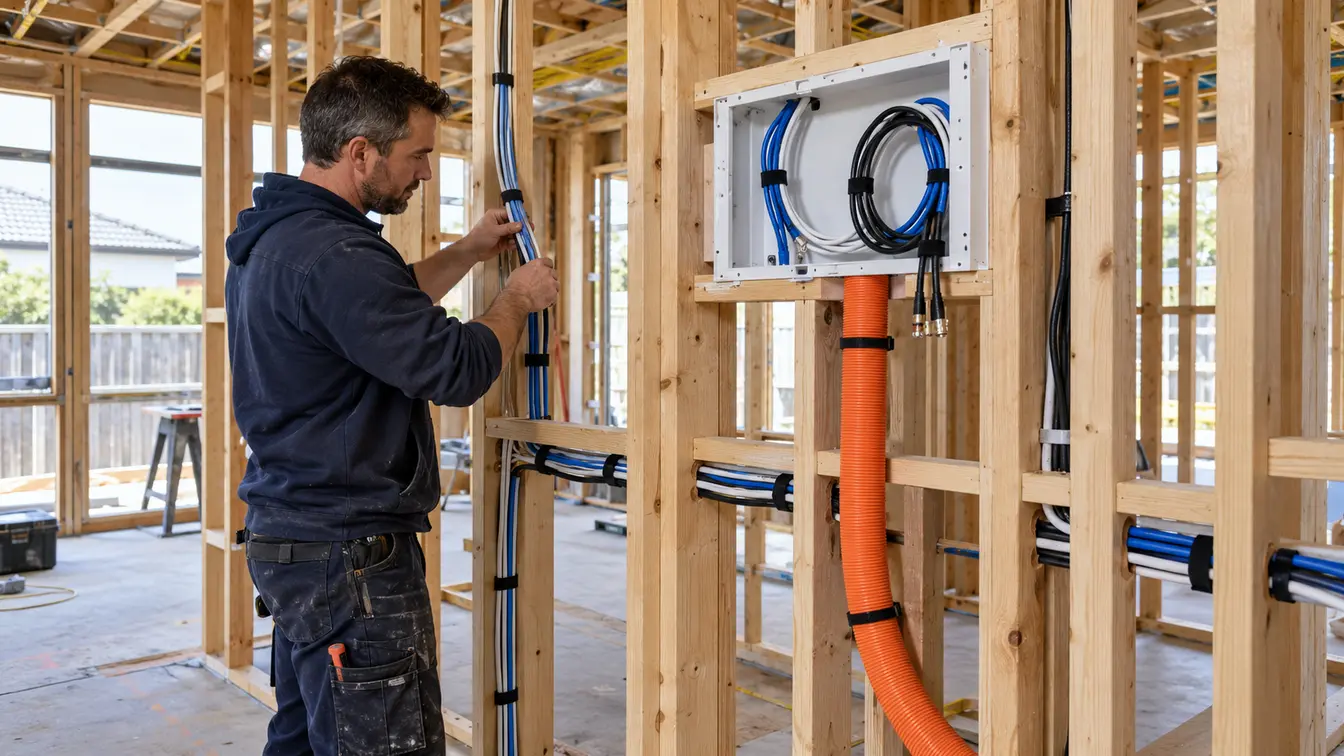
Large screens usually mean the equipment moves further away. A receiver that sat in a cabinet under a 55 inch set ends up in a cupboard or a rack, and the HDMI run grows from two metres to eight or ten.
The HDMI specification sets no maximum cable length, and certification is granted per cable and per length, because the electrical behaviour changes as a cable gets longer. The HDMI Licensing Administrator is explicit that testing is mandatory for each length. A passive copper lead that is faultless at two metres is a gamble at ten.
For long runs the answer is an active optical cable, which carries the high speed lanes on fibre and the rest on copper. HDMI's own guidance for installers notes that manufacturers have turned to optical assemblies for exactly this reason, and that newer active cables can draw their power from the connector rather than needing a separate supply.
Two practical points. Optical cables are directional, so the source and display ends are marked and cannot be swapped. And pull the cable before the screen goes up, because replacing one afterwards means taking the panel down. Our guide to hiding cables covers the routes.
What sits around it
A large screen changes the furniture, not just the wall.
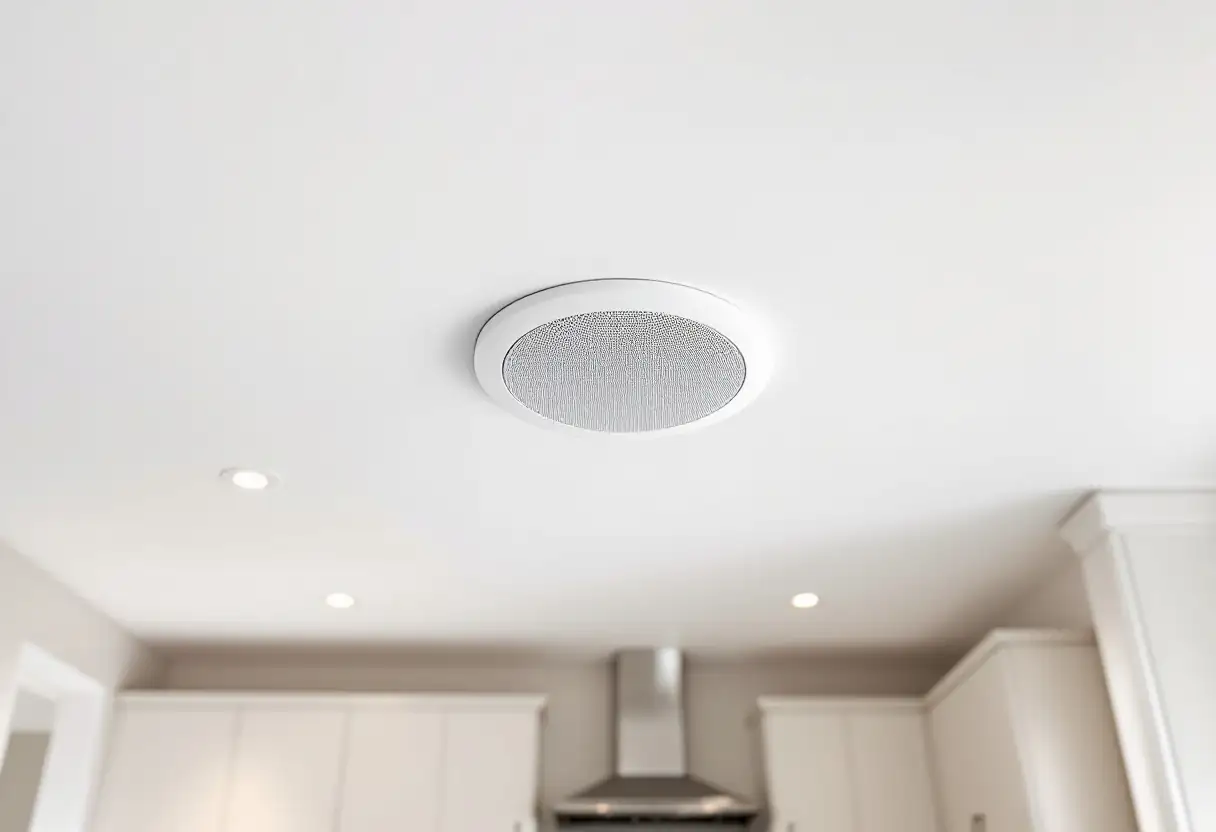
The console and the soundbar. A unit that looked generous under a 65 inch panel reads like a shelf under a 98, and the gap a soundbar needs can disappear as the screen sits lower to it. Decide both before the screen height is fixed.
The power point. At this width the existing outlet is often no longer behind the screen. Moving one is electrical work, and Energy Safe Victoria is clear it is not a job to do yourself.
The height. Going bigger does not move the centre of the screen, which still wants to sit at your seated eye level, but it pushes the top and bottom further out. Check the bottom edge still clears the console. Our guide to mounting height has the numbers.
Ninety-eight inches, which is its own category
The step from 85 to 98 is larger than the step from 65 to 85, and it is worth treating as a different kind of job.
At better than two metres wide the panel is near the limit of what fits through domestic doorways and around stairwells. Three people is the minimum, four is more comfortable, and delivery is often a two-person freight service with its own booking and access requirements. The wall almost always needs a backing plate.
None of which makes it a bad idea. In a room where the seating is three metres back it is close to the right size, as our guide to viewing distance works through. It just needs planning rather than buying on Saturday and mounting on Sunday.
Frequently asked questions
How many people do I need to mount a 75 or 85 inch TV?
Two from about 75 inches and three from about 85. The difficulty is width and flex rather than weight: controlling a wide, thin panel at head height while someone else lines up the bracket is a two or three person job regardless of how strong anyone is.
Will a 98 inch TV fit through my door?
Measure before you buy. The carton is larger than the screen in every direction and it cannot be flexed, so the clear door opening, the hallway turn and any stair landing all matter. If the box will not fit, ask the retailer about unboxed room delivery, which many offer for very large screens.
Do I need a special bracket for a large TV?
You need one rated for your panel's actual mass and covering its hole pattern, which on very large screens sometimes means an adapter plate. What matters more is the wall behind it, and what the rating really means once it is on one. At these sizes a backing plate fixed across the framing is common and often necessary.
Can I mount a large TV on plasterboard?
Yes, into the framing behind it. What you cannot do is hang one from hollow wall anchors. If the bracket only reaches a single stud, which is common on walls framed at 600mm centres, a backing plate is the answer rather than a longer screw.
Why does my HDMI cable not work on the new TV?
Often because the run is longer than it used to be. HDMI sets no maximum length and cables are certified per length, so a passive lead that worked in a short run can fail in a long one. For anything much past five metres an active optical cable is the reliable answer.
Large screens are straightforward when the planning happens before the delivery and awkward when it does not. Measure the wall and the route in, get the bracket up first, count the people honestly, and sort the cable run while the wall is still open. We mount screens well past 100 inches across Melbourne, Bayside and the Mornington Peninsula, and we will tell you before the day if the route into your room is the problem. Have a look at our TV wall mounting page, or book a free onsite quote.