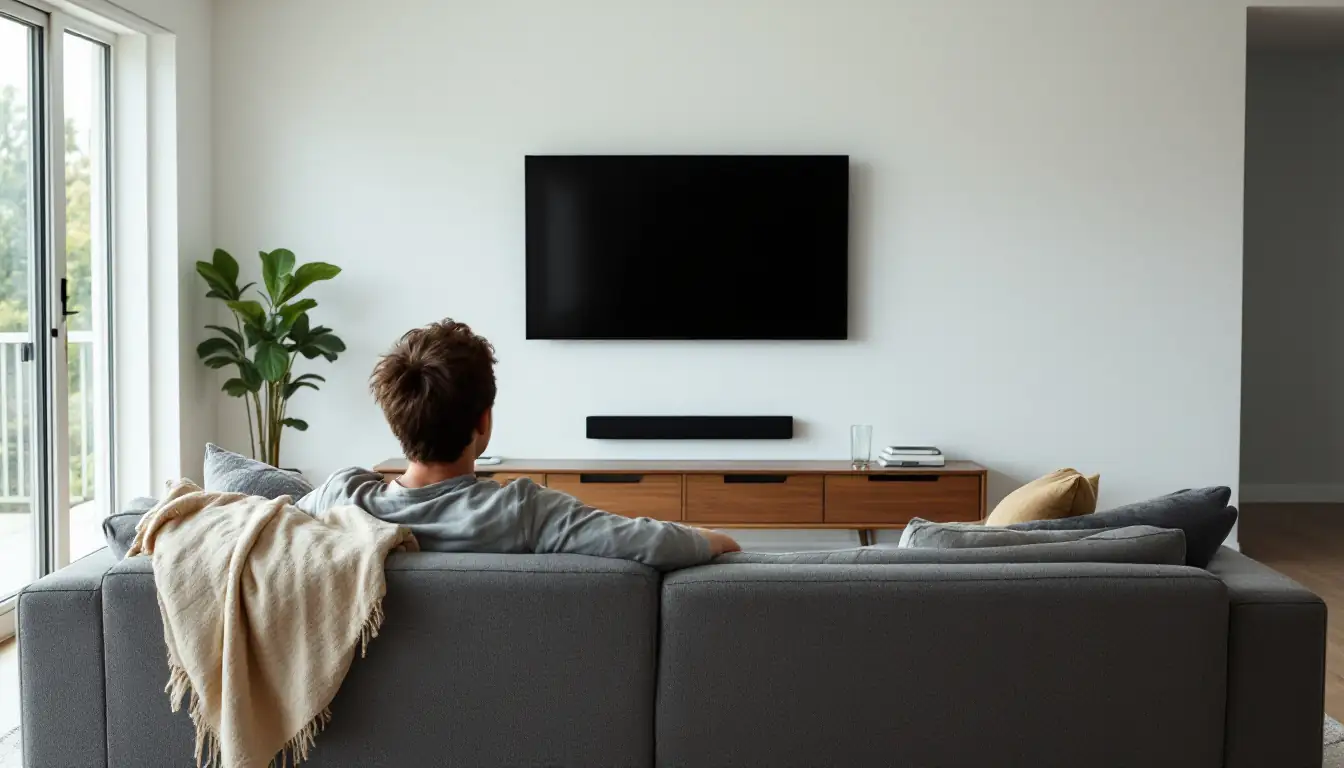
You do not really choose this number. The room chooses it. The couch goes where the couch can go, and in most Melbourne living rooms that is somewhere between two and a half and three and a half metres from the wall the television is on.
So the useful question is not how far you should sit. It is what size screen that distance justifies. And the honest answer, most of the time, is a bigger one than people buy.
The short answer
- Measure from where you actually sit to the wall the screen goes on. That number is fixed by the room.
- Multiply the distance in inches by 0.835 and you have the screen size THX recommends for a cinematic feel.
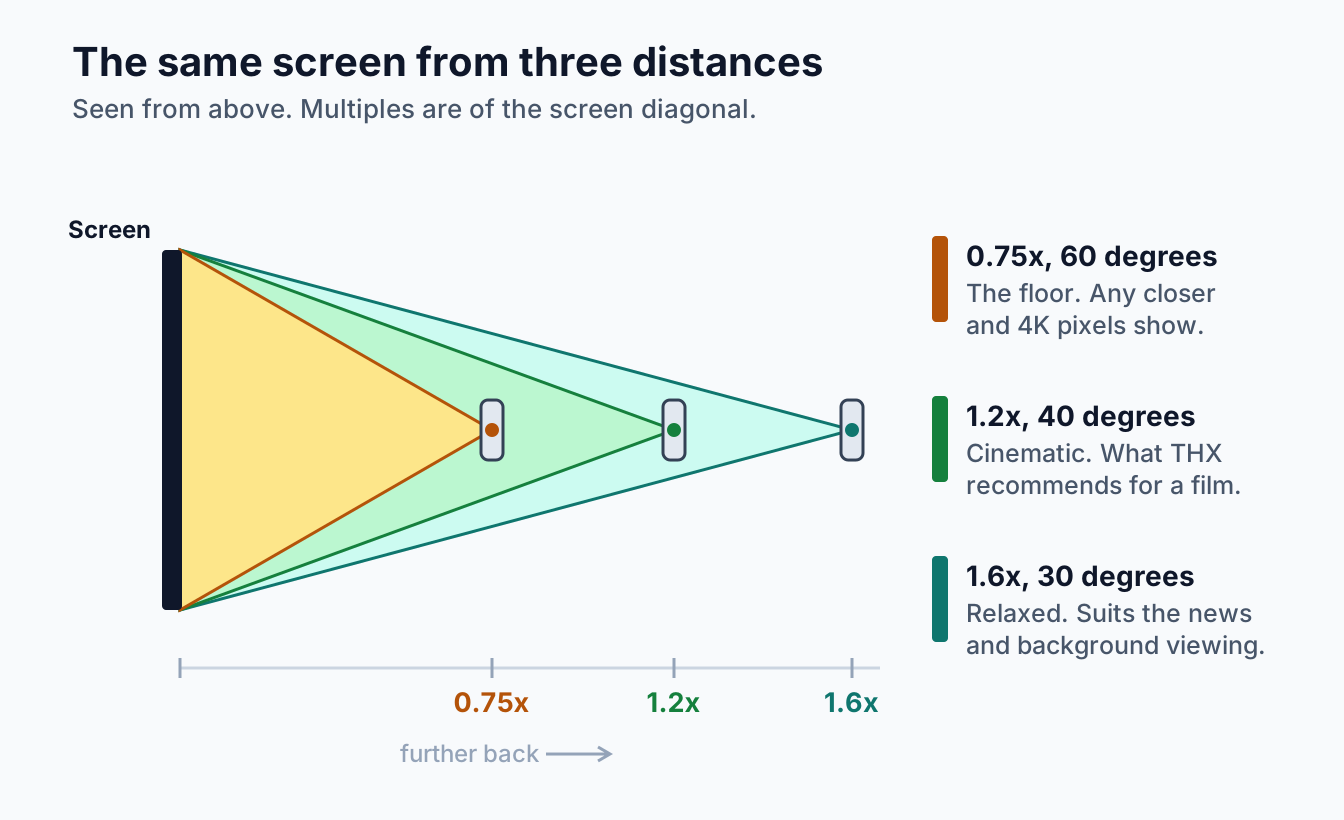
- A more relaxed, broadcast-style distance is roughly 1.6 times the screen diagonal.
- On a 4K set you would have to sit closer than about three quarters of the diagonal before pixel structure shows. Nobody sits that close.
- Which means resolution is almost never what limits you. Room, budget and nerve are.
The two numbers worth knowing
Most viewing distance calculators are the same two pieces of arithmetic wearing different clothes.
The cinematic one. THX advises that you measure the distance from your seat to the screen in inches and multiply by 0.835 to get the screen size that suits. Run it the other way and it means sitting at about 1.2 times the screen diagonal. On a 65 inch set that is a shade under two metres.
The relaxed one. Sit at roughly 1.6 times the diagonal and the screen fills less of your view. It is easier for a room where the television is on in the background, where people are talking over it, or where the couch simply cannot come forward. On the same 65 inch set that is about 2.6 metres.
Neither is wrong. They describe different evenings. A film you sat down for wants the first number. The news while someone cooks dinner is happy with the second.
What that looks like in a real room
Because the distance is the fixed part, this table reads from the left. Find where the couch already is, and the right column is what the room can carry.
| Distance from seat to screen wall | Screen size that suits |
|---|---|
| 2.0m | 50 to 65 inch |
| 2.5m | 60 to 85 inch |
| 3.0m | 75 to 98 inch |
| 3.5m | 85 inch and up |
| 4.0m | 98 inch, or a projector |
The lower end of each band is the relaxed distance, the upper end the cinematic one. Most people, shown this table, find their couch already sits at a distance that would justify a screen a size or two larger than the one they own.
Why almost everyone buys too small
The fear is that a big screen will dominate the room. Reasonable, and usually aimed at the wrong thing.
A television on a stand does dominate, because it sits in the room: a base, a cabinet under it, floor space gone. A screen on the wall behaves like a picture. No depth to speak of, no floor taken, and past a point the extra inches are diagonal rather than intrusion.
The other half of it is the showroom. A 75 inch panel under a four metre warehouse ceiling looks modest, so people correct for it by going down a size. Then it arrives in a room where the couch is three metres back and looks small.
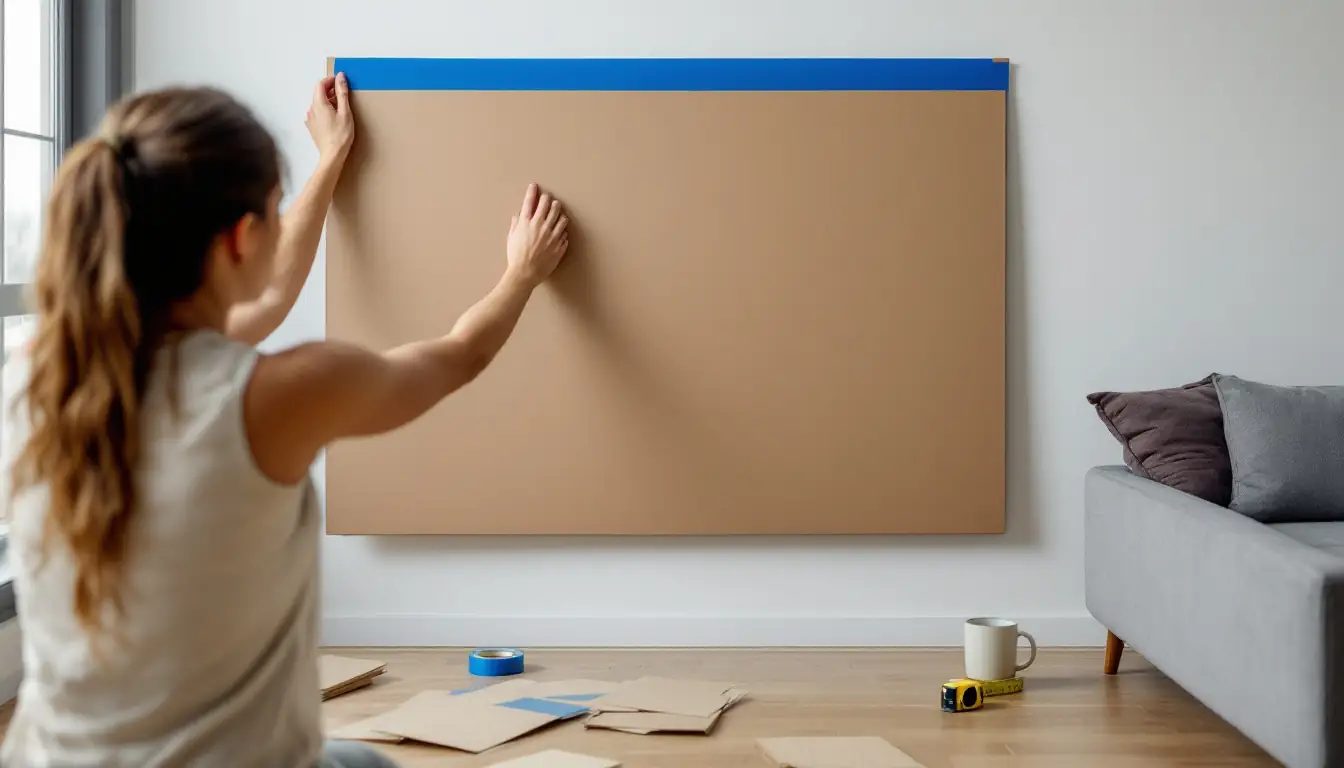
To settle it before spending anything, cut a rectangle of cardboard to the screen size, tape it to the wall at the height you are considering, and sit down. Two minutes of that beats any calculator.
How close is too close
There is a floor, and it is much closer than people expect. The limit is your eyesight rather than the television. Someone with normal vision can resolve detail down to about one sixtieth of a degree, and the point at which a single pixel occupies that much of your view is the point where the image stops being a grid and starts being a picture. The ITU uses exactly that principle in its report on the present state of ultra-high definition television, where the optimal viewing distance is defined as the one at which a pixel subtends one arc minute.
Work that through for a 4K panel and it lands at roughly three quarters of the screen diagonal. On a 65 inch set that is about 1.25 metres. On an 85 inch set it is about 1.6 metres.
Almost nobody puts a couch that close to a wall, which is the practical conclusion: at living room distances a 4K screen cannot really be too big for its resolution. What stops you is how much of your view you want it to fill, and whether you end up turning your head to follow the action. Those are comfort questions, and personal.
What the distance does not decide
Height. A separate problem, and getting one right does not fix the other. The centre of the screen wants to sit near your seated eye level, and THX suggests keeping your line of sight within 15 degrees of it. Our guide to mounting height works through the numbers.
Panel type. Distance does not change whether OLED or Mini-LED suits your room. Light does. We compare them in OLED versus QLED versus Mini-LED.
Where the couch can actually go. Walkways, doors, a fireplace, a window putting afternoon sun on the screen. Rooms have constraints no formula knows about, and the formula loses.
Projectors, where it works differently
With a television the seating distance decides the screen size. With a projector, the screen size and the throw distance together decide where the projector hangs, and that has to be settled before any ceiling work happens.
Past about three and a half metres, a projector often makes more sense than a very large panel, particularly in a room you can darken. We go through the sequence in planning a home cinema room.
What changes when the screen gets big
The size the room justifies and the size the wall can hold are separate questions, and the second one catches people out.
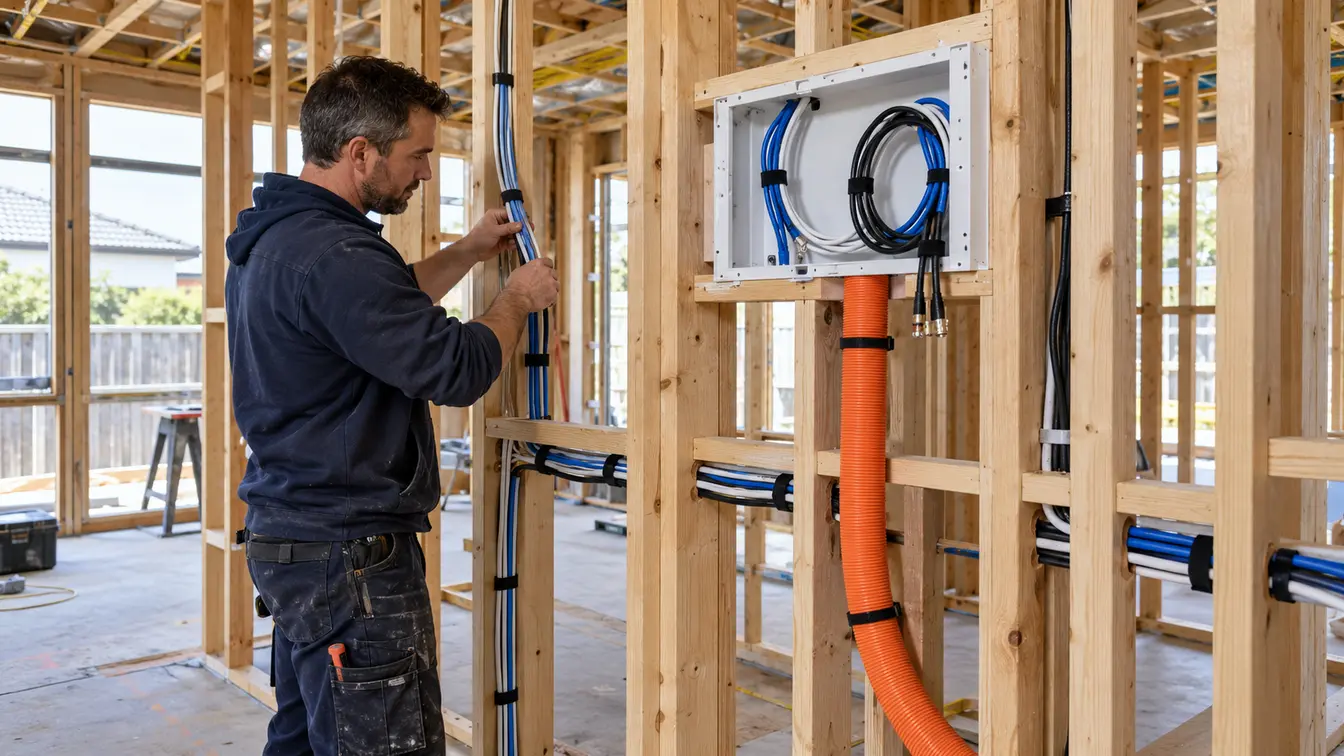
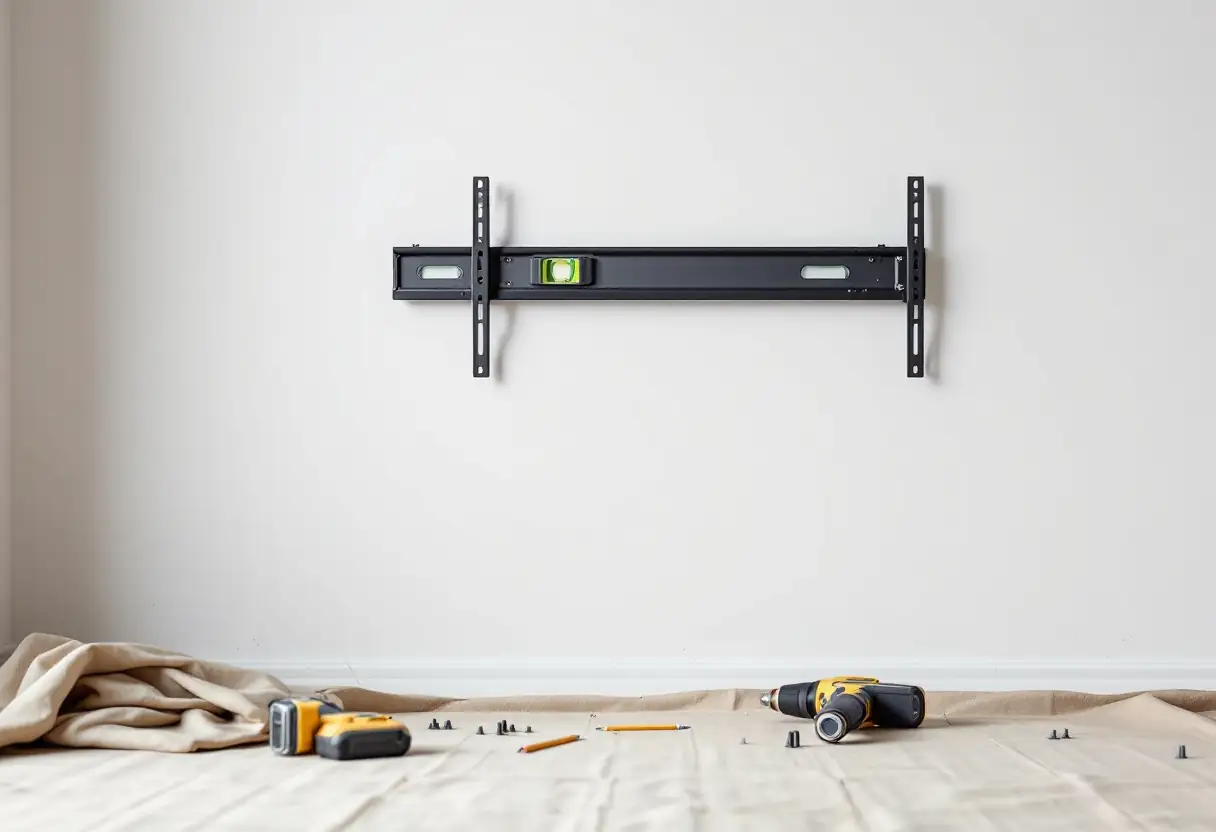
A large panel needs the bracket into the framing, and on an internal wall framed at 600mm centres a bracket plate often reaches only one stud. The answer is a backing plate rather than a longer screw, and we go through why in mounting on plasterboard. Bracket type matters more at size too, because a big screen on an arm multiplies the load every time it swings out, which we cover in fixed, tilt and full-motion mounts. Worth knowing what the wall can take before you buy, not after delivery, and our guide to mounting a 75, 85 or 98 inch TV covers what else changes at that size.
Frequently asked questions
How far should I sit from a 65 inch TV?
Roughly 2.0 to 2.6 metres. The closer end is the cinematic distance THX recommends and the further end is a more relaxed one. Both are comfortable, and which suits depends on whether the television is the evening or the background to it.
How far should I sit from a 75 or 85 inch TV?
About 2.3 to 3.0 metres for a 75 inch, and about 2.6 to 3.5 metres for an 85 inch. If your couch is already three metres back, an 85 inch screen is not extravagant. It is roughly the right size.
Can a TV be too big for a room?
For comfort, yes, if you have to move your eyes across it to follow what is happening. For resolution, almost never at normal living room distances. A 4K panel would need you closer than about three quarters of its diagonal before pixel structure showed, and few rooms allow that.
Does 8K let me sit closer?
Technically yes, and practically it rarely matters. At three metres from a 4K screen the pixels are already beyond what your eye resolves, so the extra resolution has nothing left to reveal.
Should I measure to the wall or to the screen?
To the centre of the screen, from where your head actually is when you are sitting down rather than from the front edge of the couch. On a wall mount the difference is small, but it is the eye position that matters.
The distance is the part you cannot change, so treat it as the input rather than the answer. Measure from your seat to the wall, run the two numbers, and you will usually find the room justifies a larger screen than instinct suggests. Then check the wall can hold it. We mount screens from 32 inches to well past 100 across Melbourne, Bayside and the Mornington Peninsula, and we are happy to tell you on the day if the size you have chosen is wrong for the room. Have a look at our TV wall mounting page, or book a free onsite quote.