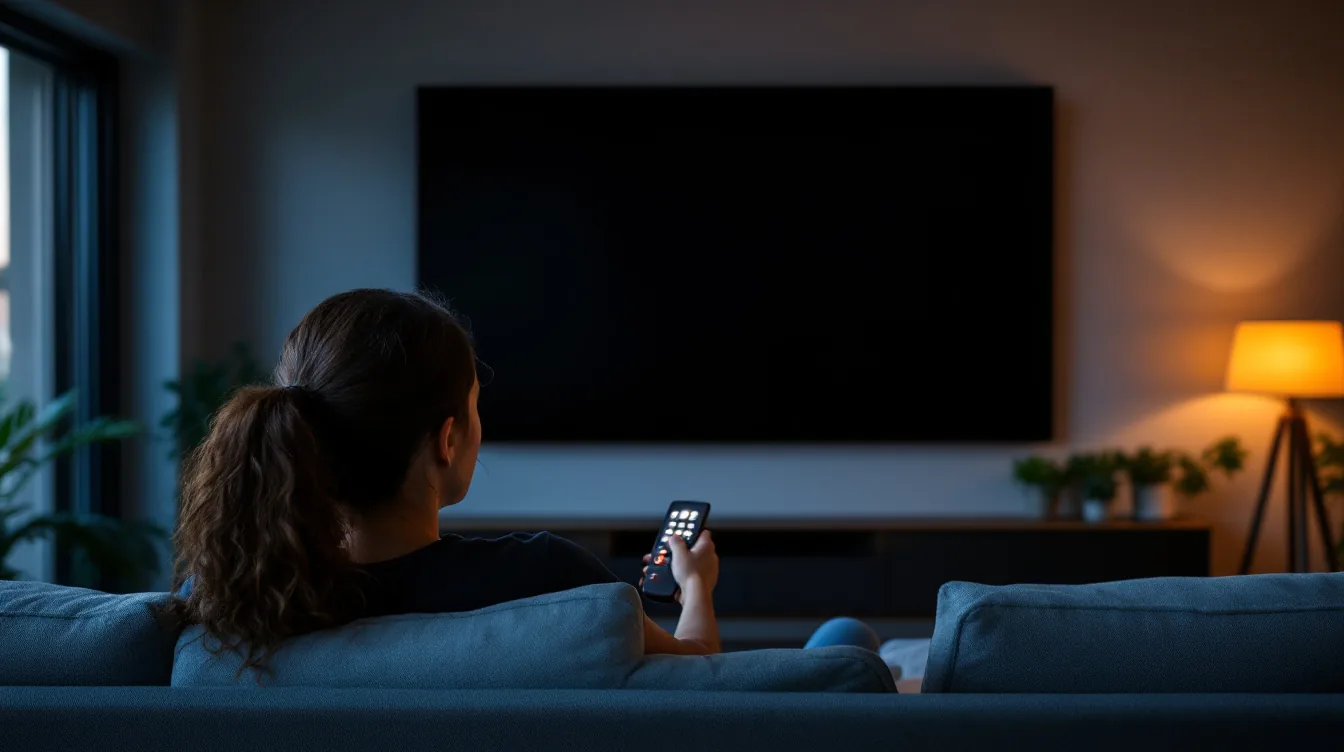
"No Signal" is the message a TV shows when its tuner cannot find anything to lock onto. It says nothing about why, which is why the same three words turn up for a loose plug, a dead amplifier and an antenna that has finally given up after twenty years on the roof.
Four of the five most common causes take about ten minutes to check from the couch, and cost nothing. Work through them in the order below before you book anyone, including us, and if it does turn out to need a visit, our antenna cost guide covers what a callout is likely to run to.
First: is it one TV or all of them?
This narrows the problem more than anything else you can do, so ask it before touching a setting.
If one TV has no signal and the others are fine, the fault is at that end. The input it is on, its aerial lead, its wall point, or the tuner. If every TV has gone at once, the fault is upstream: the antenna, the cable coming down from it, the amplifier, or the broadcast.
With only one TV, try a different wall point. The same result at both means the problem is upstream.
The checklist, in the order worth doing it
Each step rules something out, so it is worth doing them in sequence rather than jumping to the one you suspect.
- 1. Check the input. Obvious, and still the most common false alarm we get called out to. A TV set to HDMI 2 with nothing plugged into it shows exactly the same message as a broken antenna. Cycle through the inputs and confirm you are on TV, Antenna or Air rather than an HDMI.
- 2. Check the aerial lead at both ends. Unplug it from the wall and from the back of the TV, look at the centre pin, and plug it back in firmly. A pin that is bent, pushed back into the insulation, or green with corrosion will not make a connection. This is a two-dollar cable causing a $200 callout more often than anyone would like.
- 3. Retune: properly. Not the automatic scan. The ACMA's own advice is to "Re-tune your TV or set-top box with a manual tune, rather than an 'auto-scan', using the frequencies provided on mySwitch." An auto-scan on a weak signal will happily store rubbish or drop channels entirely. Look up your address on the government's mySwitch site first. It tells you which transmitter serves you, its direction, and the frequencies to enter.
- 4. Check the amplifier's power supply. If your system has a masthead amplifier, there is a small plug pack somewhere inside the house: commonly in the roof space, a hall cupboard, or behind the TV unit. When that plug pack dies, every TV in the house loses signal at the same moment and nothing on the roof is wrong at all. Check it is plugged in and switched on at the wall.
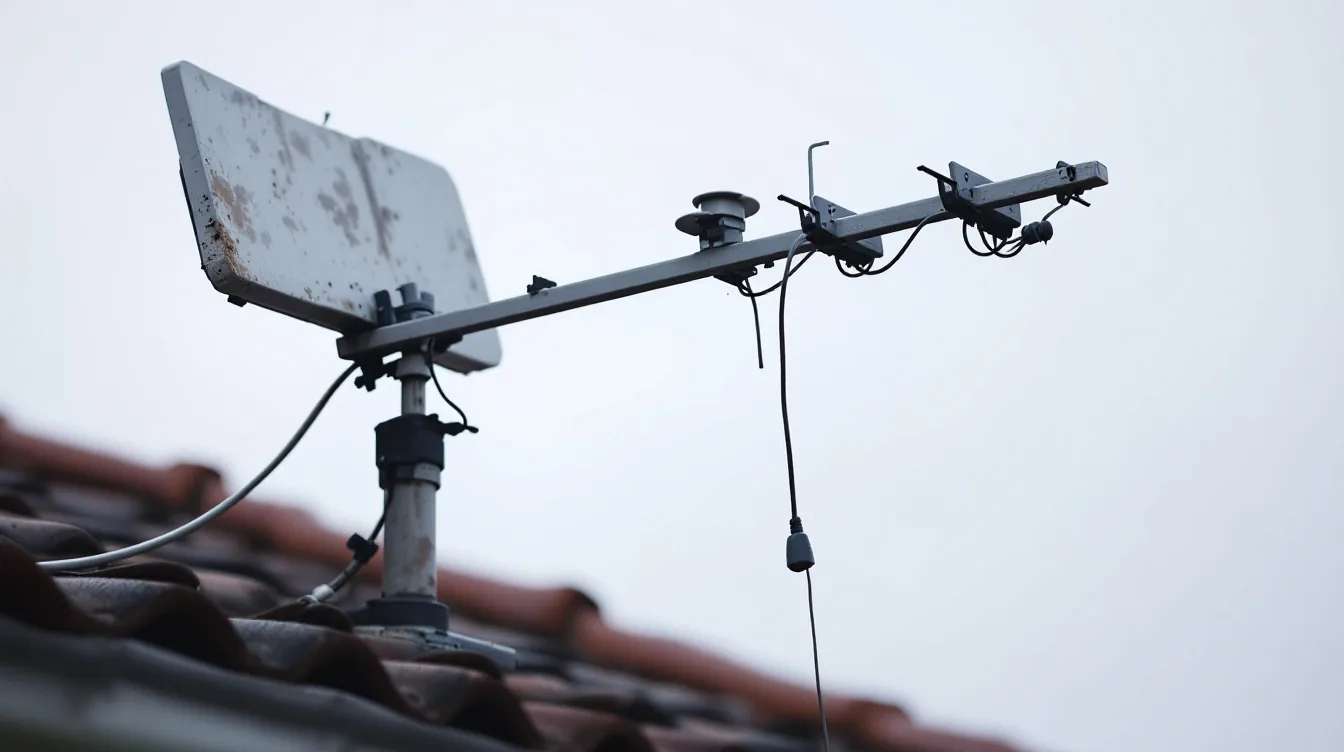
- 5. Look at the antenna from the ground. From the driveway, in daylight, with both feet on the ground. You are looking for an antenna sitting at an obviously different angle to your neighbours', elements missing or bent, or the cable hanging loose off the mast. Do not go up to check.
If all five come back clean, the fault is very likely in the cabling or the antenna itself, and that is the point where it stops being a job you can do from inside the house.
Signal strength and signal quality are not the same thing
Most TVs will show you both, usually under a menu called signal information, manual tuning or diagnostics. Almost nobody is told what the difference means, and it is the single most useful thing on the screen.
Strength is how much signal is arriving. Quality is how intact it is once it gets there. Digital television does not fade gracefully. It works perfectly right up until it does not, so a reading with plenty of strength and poor quality tells you something specific.
High strength and low quality usually means interference or multipath. The signal is arriving more than once, reflected off a building, a hill or a large tree, and the tuner cannot resolve it. Turning the gain up makes that worse, not better. Low strength across the board points at the antenna, the cable or the distance to the transmitter instead. Our guide to what affects TV antenna reception in Melbourne goes through each of those.
Worth knowing which band you are on, too. Australian digital TV sits on VHF channels 6 to 12, 174 to 230MHz, and UHF channels 27 to 51, 520 to 694MHz. Much of Melbourne is served on VHF, and a UHF-only antenna, which plenty of imported and hardware-store antennas are, will never receive it properly no matter how it is aimed.
What we actually find, most often
A dead amplifier power supply. Comfortably the most common whole-house failure, and the cheapest to fix: our guide to TV antenna amplifiers explains how power reaches one on the mast.
Water in the cable. Coax draws water in at a cracked outdoor joint and wicks it down inside the sheath. It typically shows up as reception that is fine in dry weather and gone after rain, which is a very recognisable pattern once you know it.
An antenna past its life. The ACMA notes that "Antennas generally only last 10 to 15 years." On the Mornington Peninsula and anywhere near the bay, salt air brings that in considerably. If yours predates the digital switchover it does not owe you anything.
A splitter someone added. A second or third TV point spliced into an existing run divides the signal that was only ever adequate for one. The ACMA is blunt about it: "Don't use a connector or splitter to split the signal from your antenna to 2 or more TVs – it will reduce the signal level and may reduce reception quality." Feeding several TVs properly is a distribution amplifier job, not a splitter job, and we go through the whole layout in our guide to multiple TV points.
An indoor antenna still wired into the system. ACMA advice is to "remove legacy or broken antennas and indoor TV antennas ('rabbit ears')". An old one left connected keeps loading the system down. We go through why they struggle here in our comparison of indoor and outdoor antennas in Melbourne.
When it is not your equipment at all
Sometimes nothing at your place is broken. Transmitter maintenance and faults happen, and if the whole street has lost the same channels at the same time, that is what it is: check with a neighbour before booking anyone.
The seasonal one is ducting, where atmospheric conditions carry distant transmissions far enough to interfere with your local ones. The ACMA describes it as "when distant services interfere with local services during certain weather conditions. It is more common during warmer months and usually occurs (or is noticed) more often in the early evening." If your picture breaks up on hot summer evenings and is perfect the rest of the time, that is very likely what you are seeing, and no amount of new equipment will stop it. Where the picture breaks up rather than disappearing altogether, our guide to why a TV picture keeps pixelating covers what the pattern tells you.
Where to stop
At the roof. That is not us protecting the job. A tiled roof is slippery, brittle underfoot, and antennas sit at the highest point of it, often near power lines. It is the single most common way a simple reception problem becomes a serious injury.
Beyond that, book someone if every TV is dead and the amplifier power supply checks out, if reception comes and goes with the weather, if a manual retune with the correct frequencies still will not hold the channels, or if the antenna looks visibly wrong from the ground. A technician with a signal meter can tell in a few minutes what guesswork cannot. Whether the problem is level, quality, the cable or the antenna. If the answer is a replacement, our guide to choosing a TV antenna in Melbourne covers what actually matters in one.
Frequently asked questions
Why does my TV say no signal on some channels but not others?
Because the channels are not all on the same frequency. Losing part of the lineup usually means your signal is marginal, or your antenna handles one band better than the other: commonly a UHF-biased antenna on a VHF service. A full picture failure across everything points at the cable or a connection instead.
Will a signal booster fix no signal?
Sometimes, and it can also make things worse. The ACMA's guidance is to "Use a signal booster or amplifier only if necessary. They can overload your TV receiver with TV or mobile phone signals." A booster amplifies interference along with everything else, so if your problem is quality rather than level it will not help.
Why did it work yesterday and not today?
Overnight failures are usually a power supply, a connection that has finally let go, or weather. After a storm, look at whether the antenna has moved. After a hot afternoon, consider ducting.
Do I need to retune after a channel change?
Yes. Broadcasters do move and rename channels from time to time, and a TV tuned before the change keeps looking for something that is no longer there. A manual retune using the frequencies for your area sorts it.
Could the TV itself be the problem?
It happens, though less often than people fear. If one TV shows no signal on a wall point where another TV works fine, the tuner is the suspect. Test with a second set before replacing anything.
We diagnose reception faults across Melbourne and the Mornington Peninsula with a meter rather than guesswork, and we will tell you if it is a $30 plug pack rather than a new antenna. See what is involved on our TV antenna installation page, or book a free onsite quote.