Yes, if you want to watch live free-to-air television. A smart TV is a television with apps attached, and the apps arrive over your internet connection while free-to-air arrives over the air. They are two separate systems that happen to share a screen.
That surprises people, because a smart TV feels like it should already have everything. Here is what the two paths actually do, what changed on new televisions in January 2026, what the broadcasters' own apps replace, and the cases where you genuinely can skip the antenna.
The short answer
Keep the antenna if you watch live television (sport, news, anything where being current matters), or if your internet is anything less than dependable. Skip it if your household genuinely only streams, and you are comfortable that every channel now depends on the connection staying up.
Most people land in between, which is why the antenna tends to stay.
Smart and tuner are not the same thing
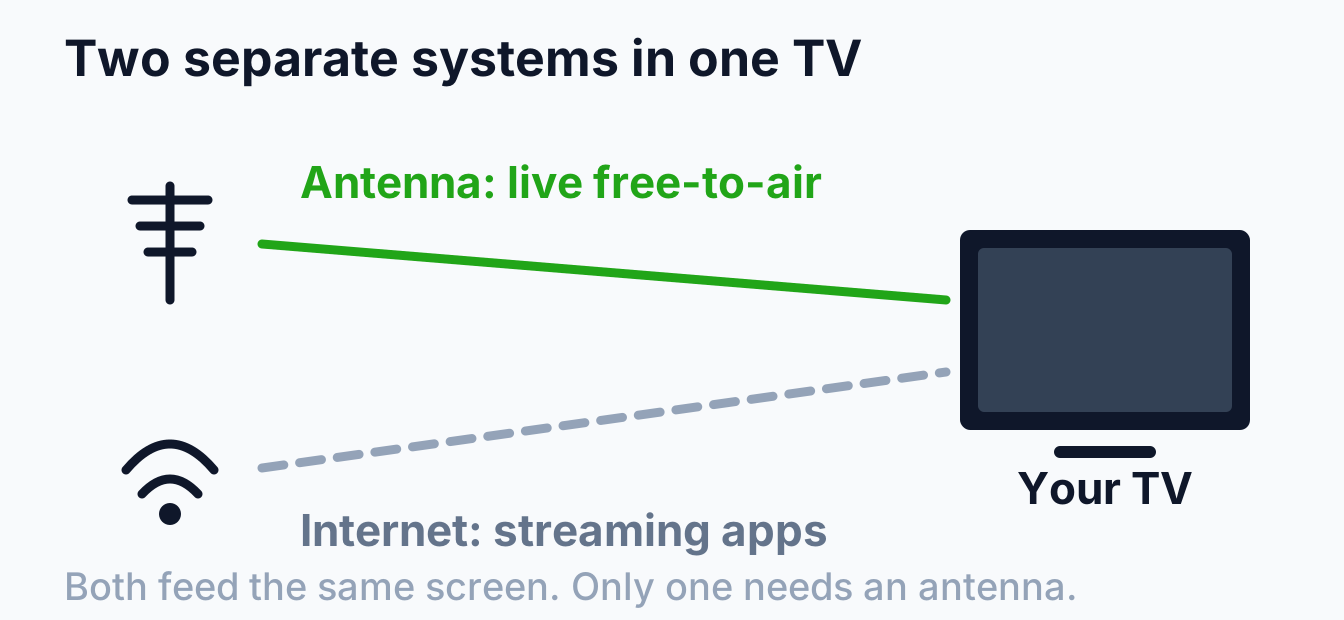
"Smart" describes the software: apps, an interface, a network connection. It says nothing about receiving broadcast television.
The part that receives broadcast is the tuner, and it is a separate piece of hardware behind the aerial socket on the back of the set. Almost every television sold in Australia has one, which is why the socket is there at all, but a screen without a tuner is not unheard of. Large-format commercial displays and most projectors have no tuner, and a monitor certainly does not. If the box called it a display rather than a television, check.
If your screen turns out not to have one, you do not need a different television. A set-top box plugs into an HDMI input and does the receiving for you, which is the standard answer for a projector or a commercial display. The cost is a second remote and a second thing to switch on, worth knowing before you buy a screen that will need one.
What the tuner picks up is a broadcast signal sitting in two bands of spectrum. The ACMA lists "VHF television channels 6 to 12: 174 to 230MHz (inclusive)" and "UHF television channels 27 to 51: 520 to 694MHz (inclusive)". None of that has anything to do with your internet plan, which is the whole point: it keeps working when the plan does not.
What changed on new TVs in January 2026
This is recent enough that most articles on the subject predate it, and it changes the practical answer for anyone buying a television now.
Australia has a TV prominence framework that applies to smart TVs and other regulated television devices manufactured and supplied on or after 10 January 2026. It requires manufacturers to pre-install the Australian free-to-air broadcast apps and to make them visible on the home screen without any scrolling or clicking, at a similar size and in a similar position to the other pre-installed streaming apps.
Two further requirements matter if you still use the tuner. A device that can receive a broadcast signal has to show a live TV icon on the home screen, and the free-to-air channels have to appear in their logical channel number order rather than in whatever sequence the set decided on.
The honest reading is that this makes the app route easier rather than making the antenna less useful. It removes the old annoyance of hunting through a menu for iview, and it does nothing about the two things the apps still cannot do, which are working without the internet and arriving on time. If your television is older and the apps are buried, the ACMA has a plain-language page on finding the broadcasters' apps on your TV.
Is free-to-air going anywhere?
It is a fair question to ask before paying to install an antenna, and the direction of Australian policy is the opposite of winding it down.
The anti-siphoning scheme exists to keep nationally important events available free. It prevents a subscription or streaming service acquiring the rights to an event on the list unless a free-to-air broadcaster has the right to televise it, and since December 2024 the scheme covers online streaming services as well as subscription television. The list that came into effect at the same time also broadened to take in more women's and Para-sport events.
Be clear about what that does and does not promise. It guarantees the event is available on free-to-air, and free-to-air includes the broadcasters' apps, so it is not on its own an argument for the antenna. What it does tell you is that the thing your antenna receives is being actively protected rather than quietly retired.
What the broadcasters' apps actually replace
The free-to-air networks all run their own apps (7plus, 9Now, 10 play, ABC iview and SBS On Demand), and between them they carry both catch-up and live streams of the main channels. They are free, and they are genuinely good.
For a lot of households that covers most of what the antenna used to do. If you mainly watch on demand, an evening at a time, and your connection is solid, you may rarely notice the difference.
The honest version is that they replace most of it, not all of it, and the gaps are specific rather than vague.
Where the antenna still earns its place
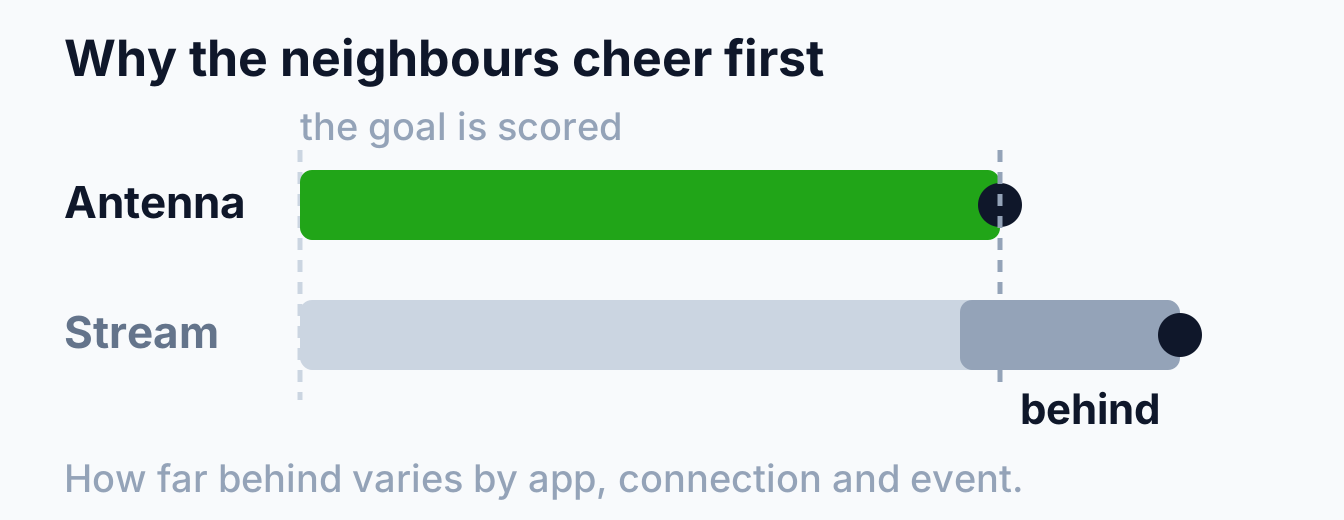
Live sport arrives first. A stream is buffered before it reaches you, so it runs behind the broadcast. How far behind depends on the app, the connection and the event, but it is enough that you can hear the street react before it happens on your screen, or read it on your phone first. For anyone who watches sport live, this is the argument that settles it.
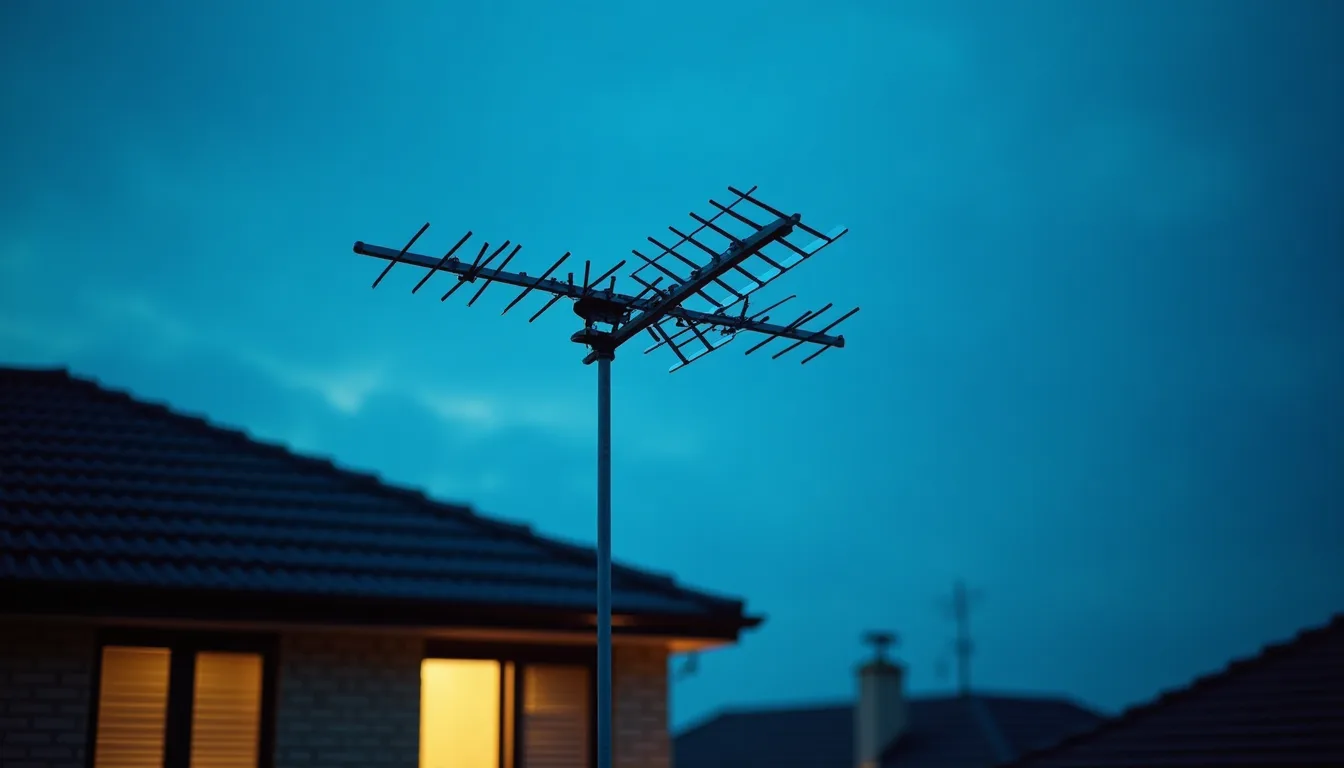
It does not depend on your internet. Broadcast reaches the roof whether or not the connection is up. When a storm takes out the internet, or the network is congested, or the modem is doing whatever modems do, the antenna is unaffected. That independence is the real value, and it is invisible right up until the day you need it.
It costs no data. Hours of live television over an antenna use none of your allowance and cost nothing per hour.
One antenna feeds every TV. Three televisions on three streams are three simultaneous demands on one connection. Three televisions on one antenna are just three televisions, though how the signal is shared between them matters, which we cover in what affects TV antenna reception in Melbourne.
When you genuinely do not need one
Not every house needs an antenna, and we would rather say so than sell one.
If nobody in the household watches live television, your connection is reliable, and you are content to reach free-to-air through the apps, an antenna is a cost without a job. The same goes for a short-term rental where installing one is more trouble than it is worth, and often for a second screen in a bedroom or study that only ever runs streaming.
The one thing worth thinking through first is what happens when the internet is down, because at that point a streaming-only house has no television at all rather than a reduced service.
Antenna or app, for live free-to-air
| Antenna | Broadcaster app | |
|---|---|---|
| Live channels | Yes, as broadcast | Yes, running behind |
| Needs the internet | No | Yes, continuously |
| Uses data | None | Yes, by the hour |
| Several TVs at once | One signal serves all | One stream each |
| Catch-up and back episodes | No | Yes, and this is where apps win |
| Upfront cost | Installation | Nothing |
| Fails when | The antenna or cabling degrades | The connection does |
Read across it and the pattern is clear enough: the apps are better for watching what you missed, the antenna is better for watching what is happening. Most households want both, which is why most households keep both.
Finding out what your place can actually receive
Before deciding either way, check what is available at your address. The mySwitch tool takes an address and returns the predicted reception, the direction of the transmitter serving it and the frequencies in use.
Then run a tune on the TV and see what it finds. If it finds nothing, that does not mean the set has no tuner, far more often it means no antenna is connected, the wall point is dead, or the cabling behind it gave up years ago. Our checklist for when a TV says no signal works through that in order.
If you are starting from scratch, the antenna that suits you depends on where you are and what is in the way. We go through the choice in our guide to choosing a TV antenna in Melbourne.
Frequently asked questions
Can I watch free-to-air on a smart TV without an antenna?
Yes, through the broadcasters' own apps, over your internet connection. You get the same channels, running slightly behind the broadcast, and you lose them whenever the connection drops.
My new TV puts the free-to-air apps on the home screen. Do I still need the antenna?
That is the prominence framework doing its job, and it does not change what the apps are. They still need the internet and still run behind the broadcast. If neither of those matters in your house, the apps may well be enough.
Do all smart TVs have a built-in tuner?
Almost all televisions sold here do. Commercial displays, projectors and monitors generally do not, so check the specification if the product was called a display rather than a TV.
Will an indoor antenna do instead?
Sometimes, close to a transmitter with a clear path. Across most of Melbourne it runs out of margin the first time the weather turns.
Is an antenna still worth installing in a new build?
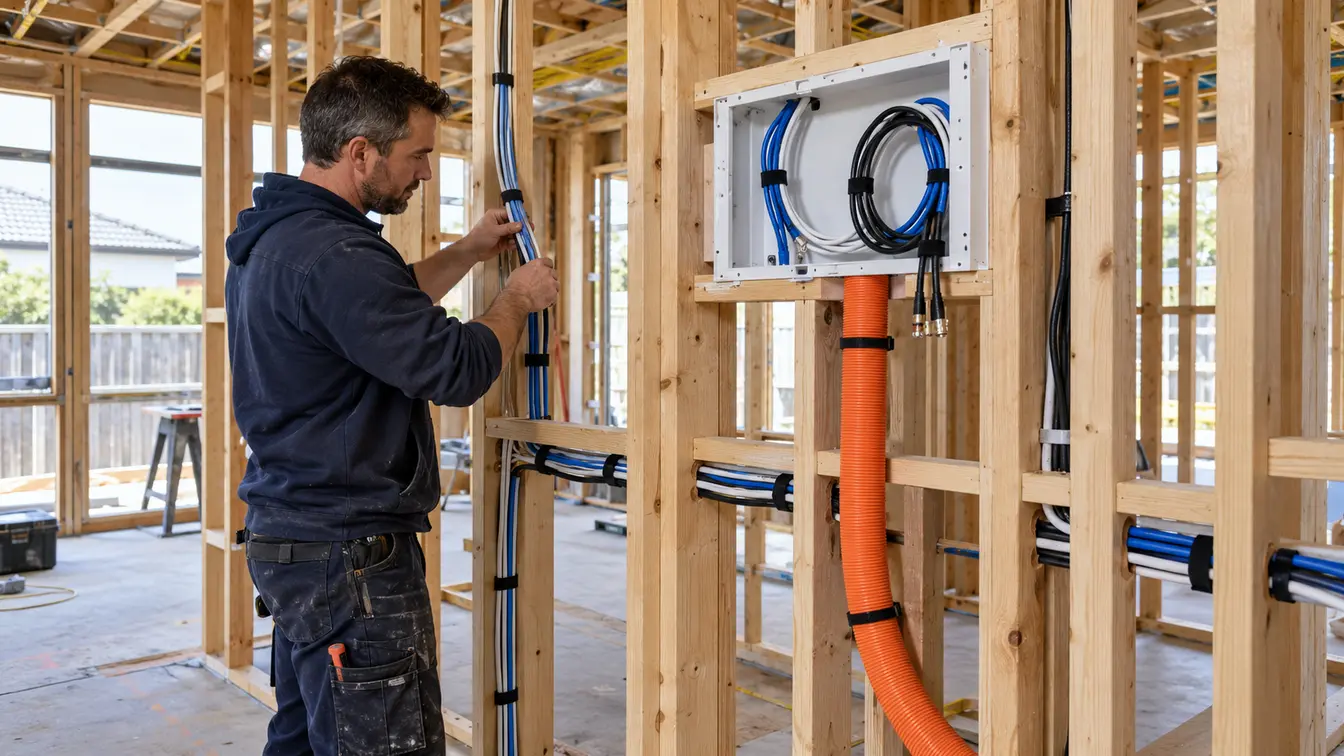
It is the cheapest it will ever be while the walls are open, and it costs nothing to run afterwards. Even in a household that streams almost everything, having the option later for a few hundred dollars now is usually the easy call.
Whether an antenna is worth it comes down to how your household actually watches television, and that is a conversation rather than a sales pitch. We are happy to tell you that you do not need one. Have a look at our TV antenna installation page, or book a free onsite quote and we will work out what suits your place.